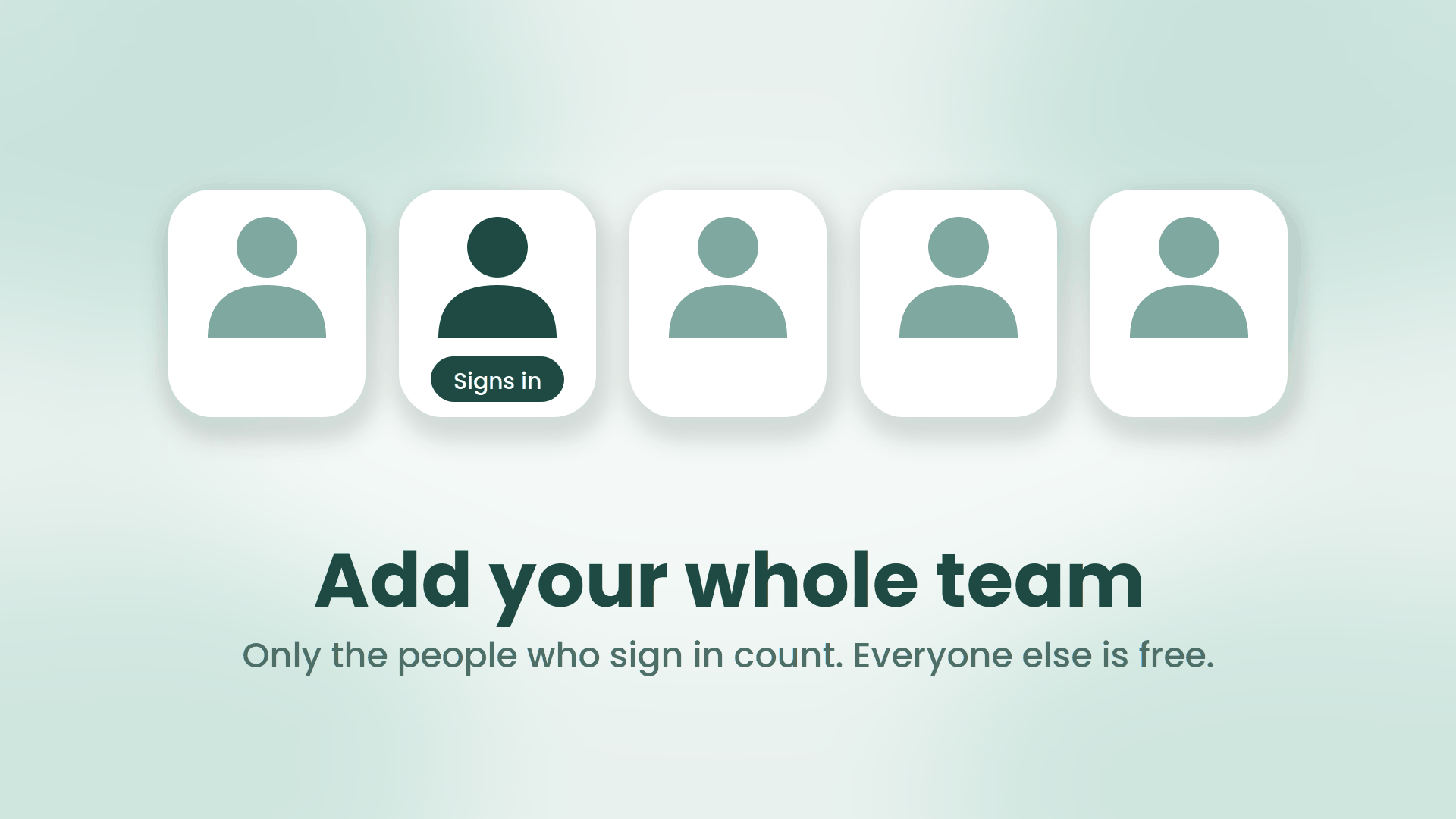
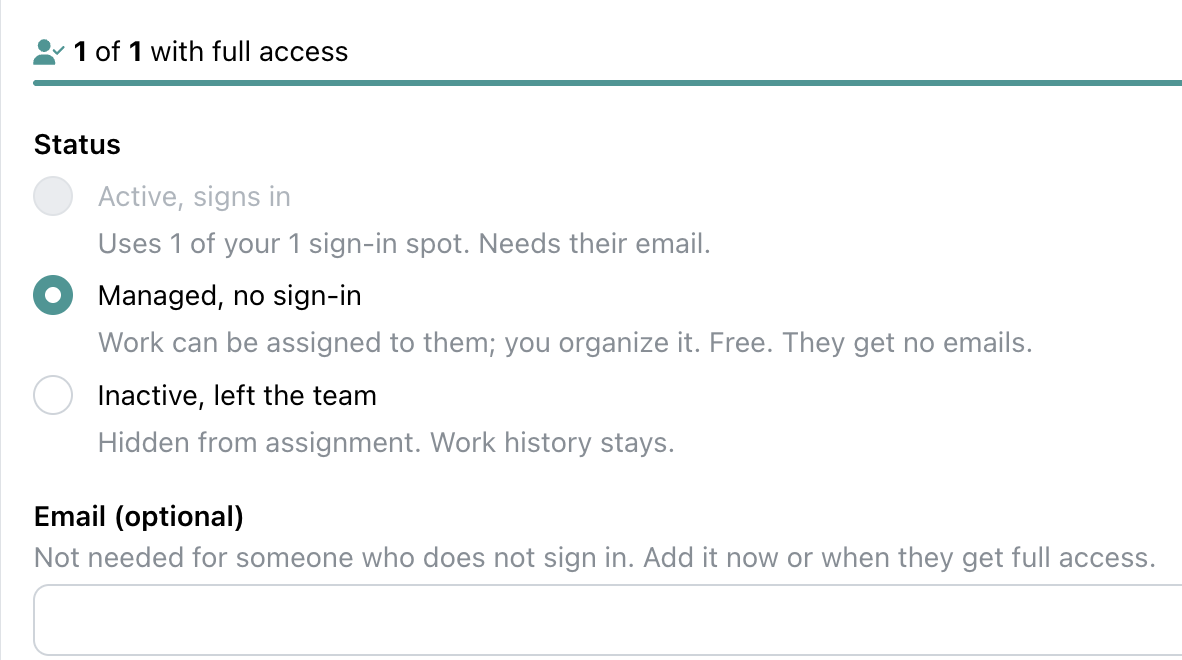
When you add a person to SRP now, you make one choice: does this person sign in, or not? Both are real members of your team. Both can own work, carry a capacity, and be on leave. The only difference is that one of them opens SRP and the other never does. Members without sign-in, which the app calls managed members, are free, on every plan, in unlimited numbers, and they never receive an email from us.
This shipped with the new pricing and it is the part of that change we care most about, because it changes who SRP is for. You no longer need your team to adopt anything for SRP to work for you.
What a member without sign-in can do
Everything a teammate does, except the part where they open the app. You assign them tasks, work items and deliverables. You give them a weekly capacity and SRP counts their load against it. You record their leave and SRP knows that the deliverable due next Thursday belongs to someone who is away next week. They appear in every picker, every capacity view and every health explanation, exactly like everyone else. There is no badge, because not signing in is the normal state, not a deficiency.
What they do not get: notifications, a login, an email address on file unless you want one there. SRP never emails them, pings them, or asks them for an update. The tool stays out of their day entirely.
When one of them needs to sign in, you change the option and they get an invite. Their history comes with them. Nothing to merge, nothing to migrate.
Six times you do not need everyone signing in
We built this because we kept hitting situations where the right number of logins was one, and every tool we used punished us for it. Here are the ones we see most.
1. You are the only one who wants a tool. This is the big one. You run delivery for five clients and you want to know what is slipping. Your team is fine. They have their board, their editor, their chat, and they do not want a new login. Fine. Add them without sign-in, model their work and their weeks, and get the picture you wanted. Nobody else has to change anything. If the picture turns out to be useful enough that they ask to see it, invite them then.
2. You are evaluating SRP and do not want to drag eight people into a trial. Pulling a team into a tool you might abandon in three weeks costs you credibility. Try it alone, with the real team modeled, and decide with real data. If you stay, invite people. If you leave, nobody noticed.
3. Subcontractors and freelancers. The designer who does two days a week. The dev shop that builds the mobile app. They own deliverables that can slip, and they have real capacity you need to plan around. They will not log into your project tool and you should not have to pay for them to not do it. Add them, assign the work, set their availability to what it actually is, and SRP flags their deliverables when they slip, like everyone else’s.
4. The people whose work already flows in from somewhere else. Your engineers live in GitLab or GitHub. Their work reaches SRP through the integration as linked issues and pull requests, and health updates when things merge. They do not need an SRP account for that to work. They need to exist in SRP as people, so their load and their leave count. That is a member without sign-in.
5. Work you are bringing over from another tool. Every item in a Jira export or a spreadsheet has an assignee. In most tools an assignee has to be a real account, so you either invite twenty people who did not ask for it, or you leave the work unassigned and the picture is wrong from day one. In SRP a name is enough to create a member. Add the people, attach the work, and it is correctly attributed before anyone else knows the tool exists.
6. Team members who are away, part-time, or not here yet. The hire who starts on the first of next month and already has a project depending on them. The one on parental leave for six months. The part-timer who works Fridays. They all have work attached to their name and a capacity that is not zero, and a tool that only knows about people who log in is blind to every one of them.
None of this is a lesser version of SRP for the people in it. Anyone here can sign in the day it is worth it to them, and their whole history comes with them. What they get when they do is their own view: their day and their week, notifications on the work that is theirs, and the same picture of what is slipping that you have. Most teams get there one person at a time, and that is the point: you make the call per person, when it is actually true, instead of on day one for everybody at once.
And when someone leaves, you mark them inactive
That is the third status: inactive, left the team. You do not delete anyone. Their history stays readable, they disappear from every picker, and their open work is flagged as unowned so it shows up in your risk view instead of quietly sitting on a name that is no longer there. If they come back, you set them to active or managed yourself, so nobody ever reappears in a paid spot without you choosing it.
Why this matters more than it looks
SRP’s job is to tell you what is falling behind, and it can only do that if everything is in: every project, every commitment, every person. A tool that charges per login gives you a reason to leave people out. Every person you leave out is a hole in the picture, and a picture with holes is worse than no picture, because you trust it. Making everyone free to add is not a discount. It is how the product gets to be right.
It also means the smallest possible SRP setup is one person and a Free plan, with the whole team modeled and nobody else involved. That is a real way to run it, not a demo mode. Plenty of delivery leads will never need more.