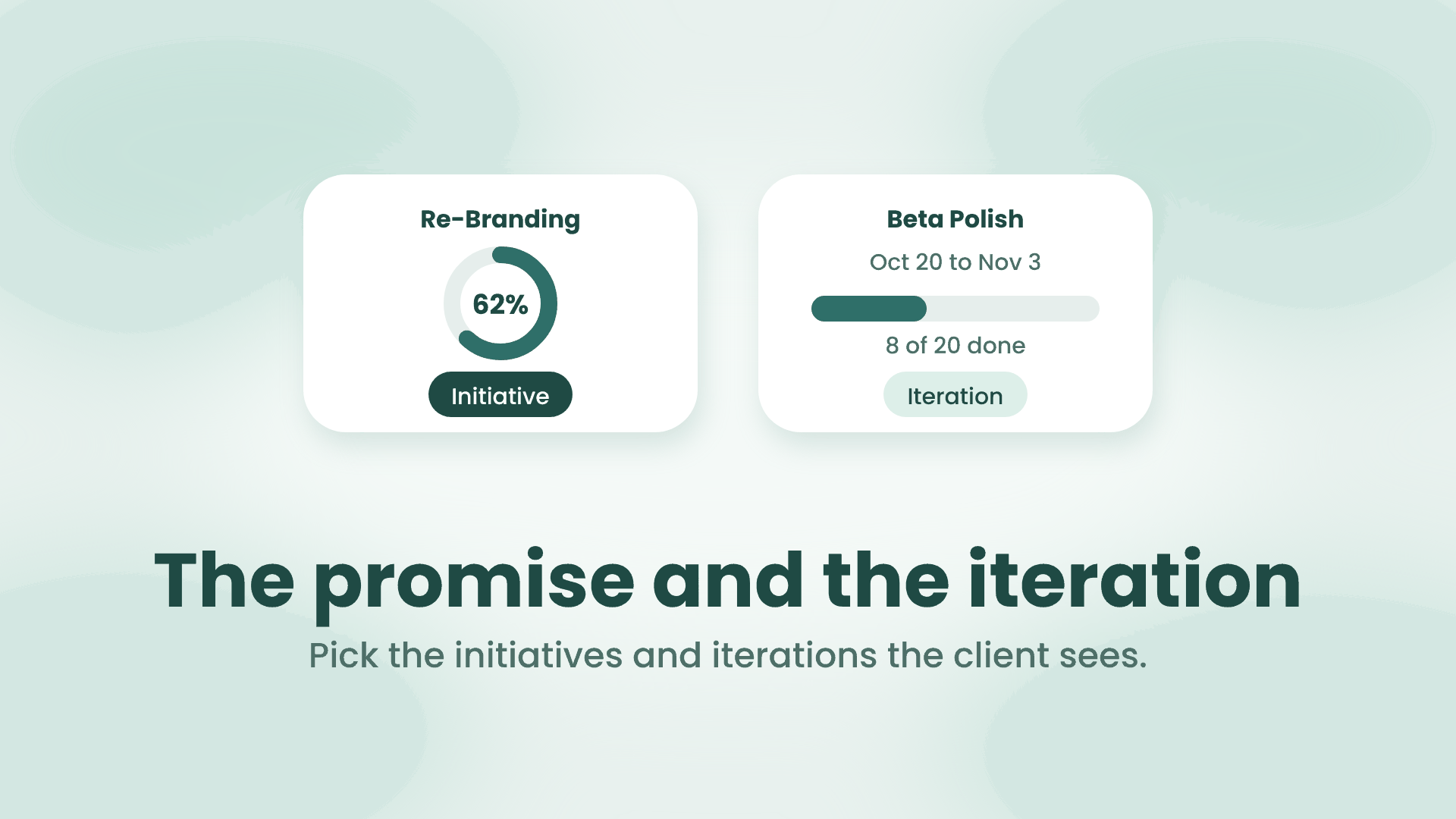
Not every piece of client work is a promise that spans months. Some of it is a two-week iteration on one project. The client still wants to see it. Until now a portal could only show initiatives, so an iteration had no place in it.
Client portals in SRP can now show iterations next to initiatives, in any mix.
Pick initiatives, iterations, or both
The Scope step of the portal wizard has two lists. Initiatives, where the client sees each one and every work item in it. Iterations, where the client sees each one and every task in it. Pick as many of each as you like, or leave one list empty.
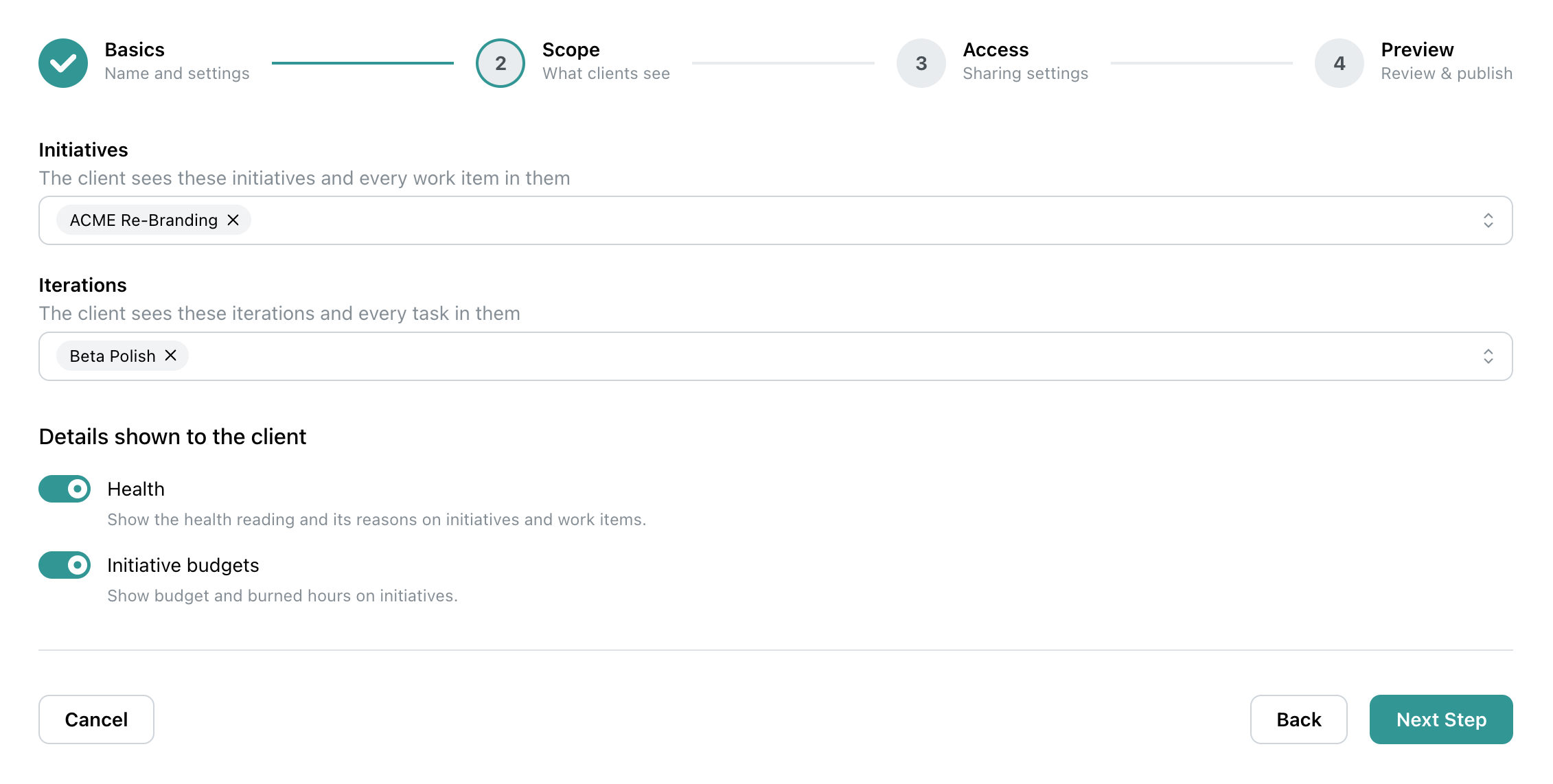
One initiative, one iteration. The client sees both on the same page.
The rule is the same as for initiatives. If an iteration is in the portal, the client sees all of its tasks. You cannot hide single tasks. If some work on a project should stay private, keep it in an iteration you do not add to the portal.
What the client sees of an iteration
Each iteration gets its own section on the portal page, with its name, its status, its start and end dates, and a progress bar that says how many tasks are done out of how many. The progress ring at the top of the portal counts work items and tasks together, so the client gets one number for everything you shared.
Opening an iteration lists its tasks with priority, status, due date and who is on it. The client can filter by status and priority, the same as with work items.
When the Health switch is on, each iteration also shows a health badge. SRP compares how much of the time has passed with how much of the work is done, so the client sees that an iteration is behind before its end date arrives.
Portals and guests are unlimited on Team and Pro. The docs have a step by step guide and the full reference for portals.