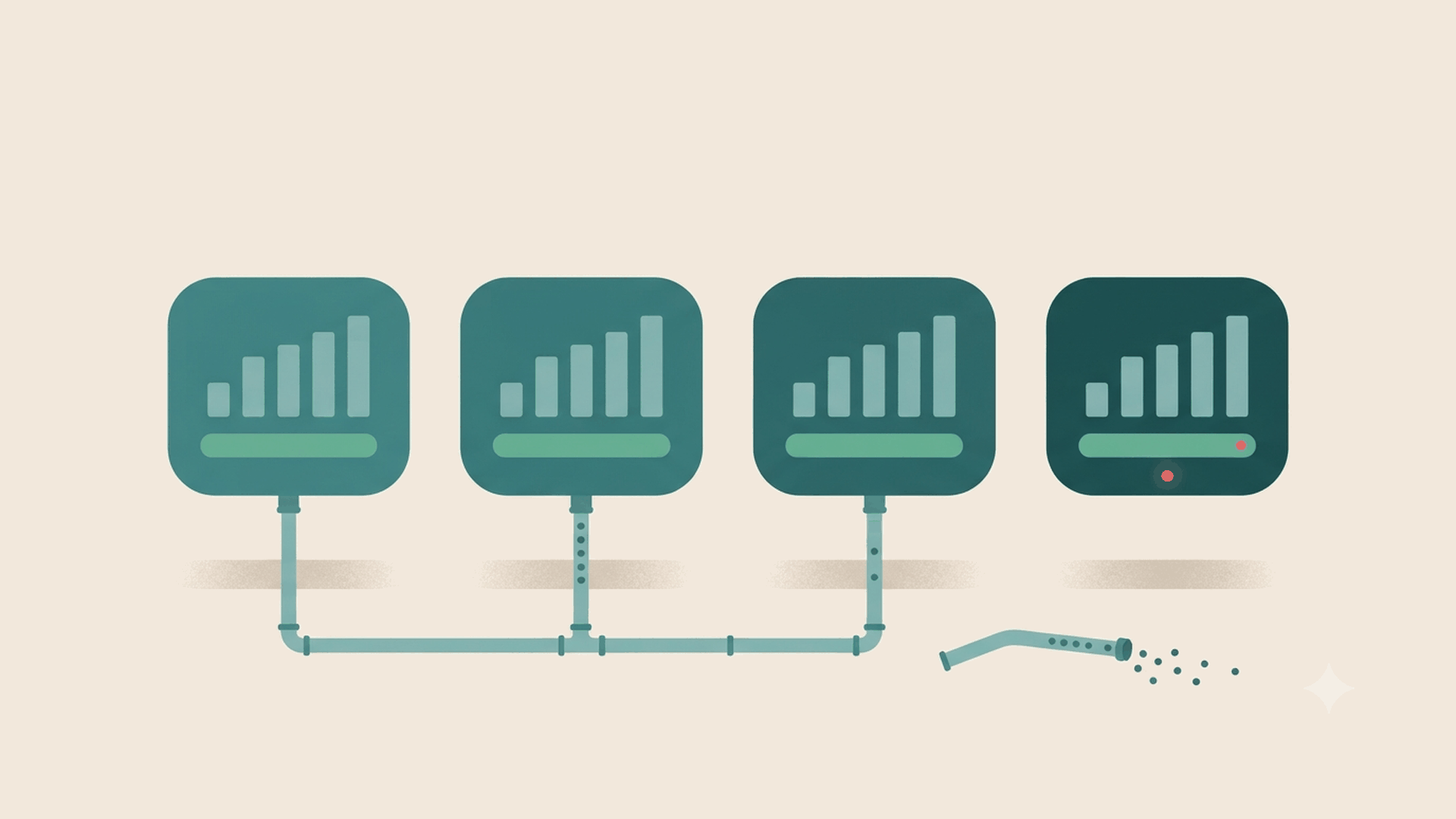
Four teal dashboard panels in a row, each showing a rising bar chart and a full green status bar. Three are plumbed into a supply line running beneath them. The fourth has no feed at all; the length of pipe that should serve it lies on the ground beside it, spilling data out of its open end, and yet that panel still reads as healthy apart from one small red dot.

Four Questions to Ask Before You Trust a Feature

We have argued before that the half of governance built on habit gives way under load. The report that requires busy people to feed it honestly every day fails on precisely the weeks it was bought for. That is a claim about a category. This is the practical follow-on: how to test any single feature in your stack for it, before you find out the expensive way.

It takes about a minute per feature and needs no trial period. Four questions.
August 12, 2026 · 4 min · SRP Team
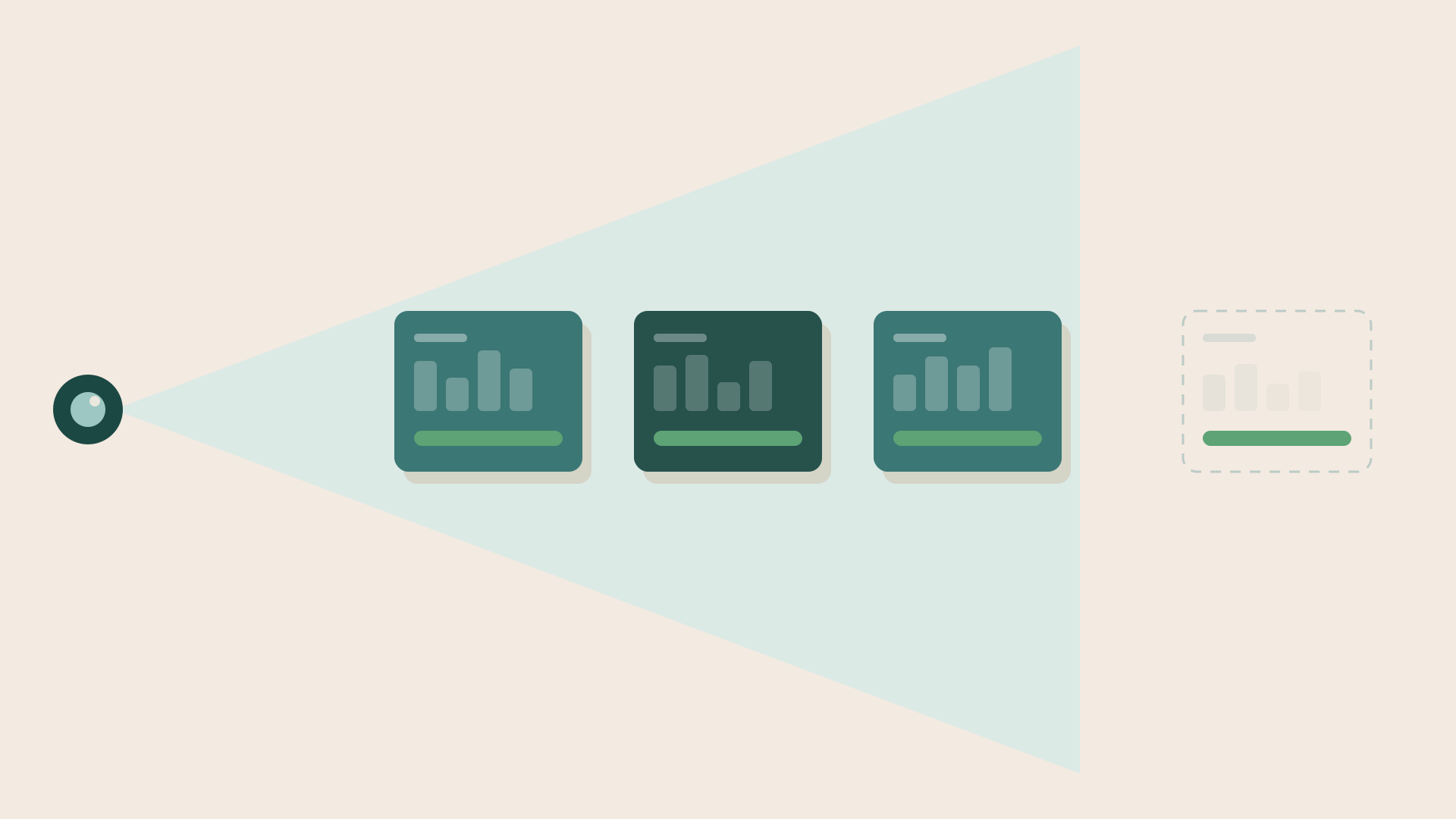
A dark lens on the left casts a pale wedge of visibility across the scene. Three project cards sit inside the wedge, fully drawn, each with a solid green status bar. A fourth card sits outside it, sketched as a dashed outline with barely visible contents, and yet its green status bar is exactly as solid as the other three.

Green Because Fine, or Green Because Blind?

A tool that derives risk from your work instead of asking someone to type it solves a real problem. It also introduces a new one, and it is worth naming plainly rather than discovering it the hard way.

A derived signal is a claim about the world, produced from data. If the data is thin, stale, or simply absent, the claim is wrong. But it does not look wrong. It looks exactly like a correct one, because it was computed a moment ago from whatever was available, and freshness of computation is not the same thing as completeness of input. That is the trap. A green project can mean the work is healthy, or it can mean the system cannot see the work at all, and by default those two render identically.

August 12, 2026 · 6 min · SRP Team
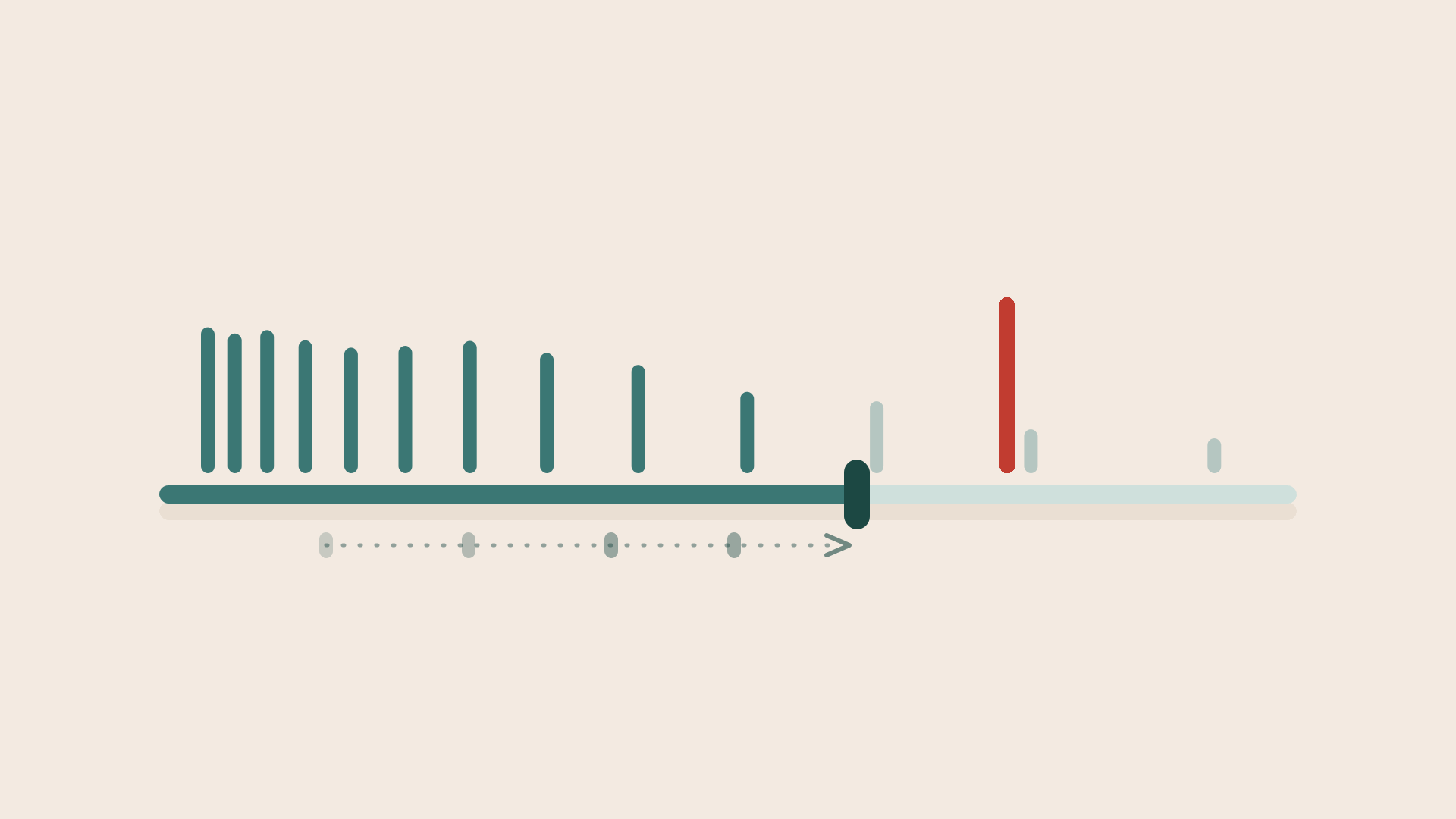
A long horizontal threshold slider. To the left of the handle, densely packed teal bars stand tall, everything the alert still catches. To the right the bars thin out and fade to grey, ignored. Beneath the track, a dotted trail of faded past handle positions runs left to right with an arrow, showing the threshold has only ever been loosened. Well past the handle stands a single tall red bar, uncaught.

The Calibration Problem: Why Every Alert Drifts Toward Silence

Any tool that warns you about slipping work has a number in it somewhere. How many days of silence before a task counts as stale. How far behind an iteration has to fall before it goes amber. How close a due date has to be before anyone hears about it. That number is a judgement call, and it is the least discussed part of the entire category, because it is where a warning system either earns its place or quietly becomes furniture.

Get it wrong in one direction and the tool shouts at everything. People stop reading, build a filter to mute it, and start tracking the real risks in a side channel. Get it wrong in the other and the tool sits there approving of everything, and you are back to relying on someone noticing in time. Both are failures. Only one of them ever generates a complaint, and that asymmetry is what actually kills alerting systems.

August 10, 2026 · 6 min · SRP Team
SRP guide cover reading 'Client Project Status Report Template' in deep green on a cream background, with the SRP logo and teal geometric shapes.

Client Project Status Report Template: What to Include and a Format You Can Copy

If you run client projects, you send status reports, and if you are like most agencies you have rebuilt the same one from scratch more times than you can count. This is a clean client project status report template you can copy, along with what belongs in each section and how often to send it. It works for a weekly email, a shared doc, or a slide, and it is deliberately short, because a client report nobody reads is worse than no report at all.

August 7, 2026 · 4 min · SRP Team
SRP cover: a dimmed, abandoned app window with a faint cobweb in one corner and a single small red alert dot going unnoticed, the picture of a tool the team quietly stopped opening.

A Tool You Have to Fight Is a Tool You Stop Opening

The most important number for any project tool is not how much it can do. It is how often people actually open it without being told to. Every tool works in the demo and works in week one, when the team is trying. The real test comes in week six, on a busy afternoon, when opening the tool is one more thing to do and nothing forces the issue. Do people still reach for it, or do they quietly stop?

That question sounds soft. It is the whole game, because a tool the team has quietly abandoned is worse than no tool at all.

August 5, 2026 · 3 min · SRP Team
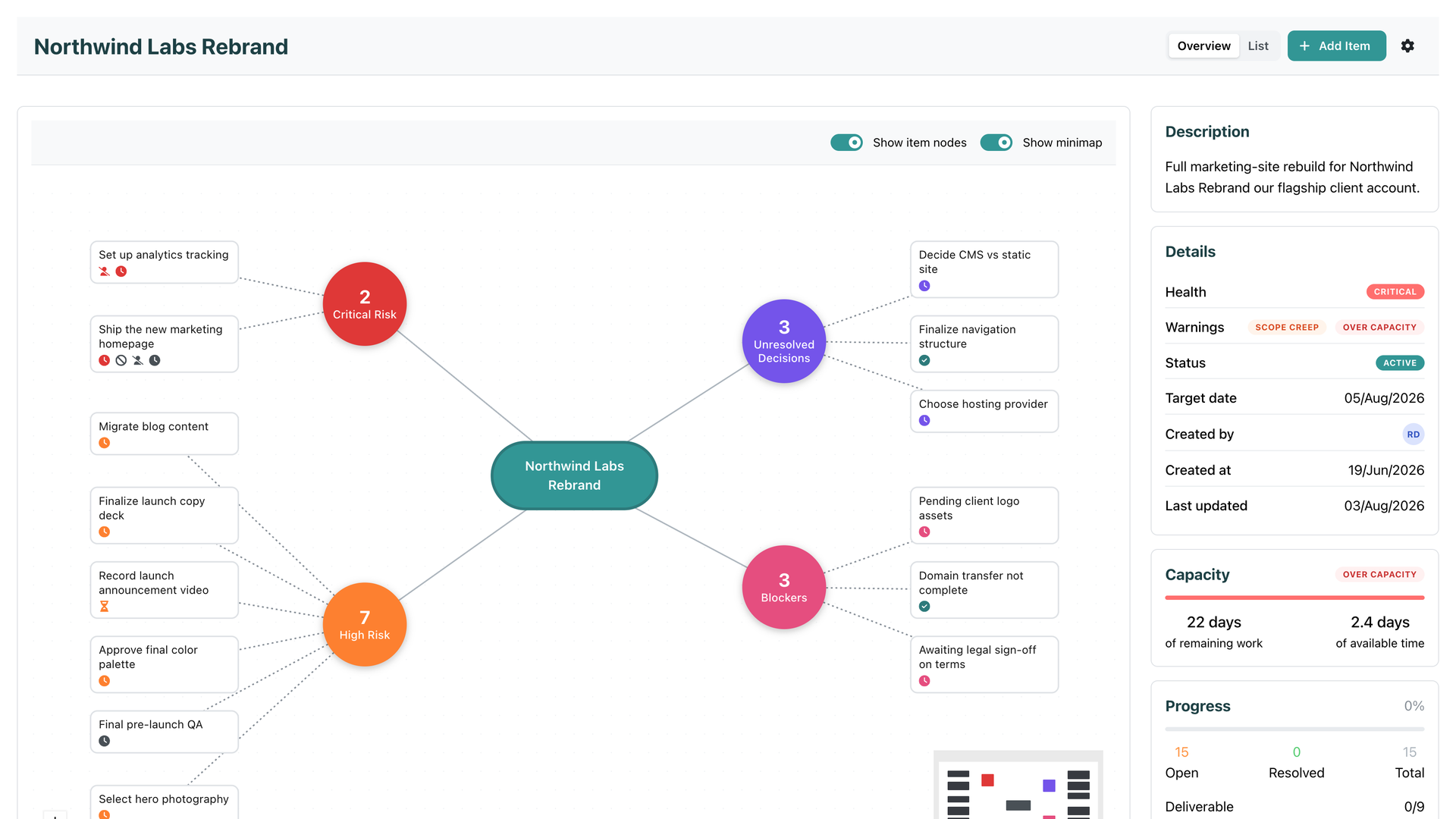
An SRP initiative overview with its risk cluster mapped out, Critical health, an Over capacity warning, and the Capacity panel showing 22 days of remaining work against 2.4 days of available time

Introducing Team Capacity

Every tool you have ever planned in knows two things about your work: when it is due, and roughly how big it is. And every one of them keeps those two facts in separate drawers. The due date sits on the item. The size sits next to it. Nobody does the one thing that would actually answer the question you care about: can this be finished by its target date, by the people who are actually doing it, with the time they actually have?

That is the question Team Capacity answers. Continuously, and without asking anyone to do anything new.

August 3, 2026 · 5 min · SRP Team
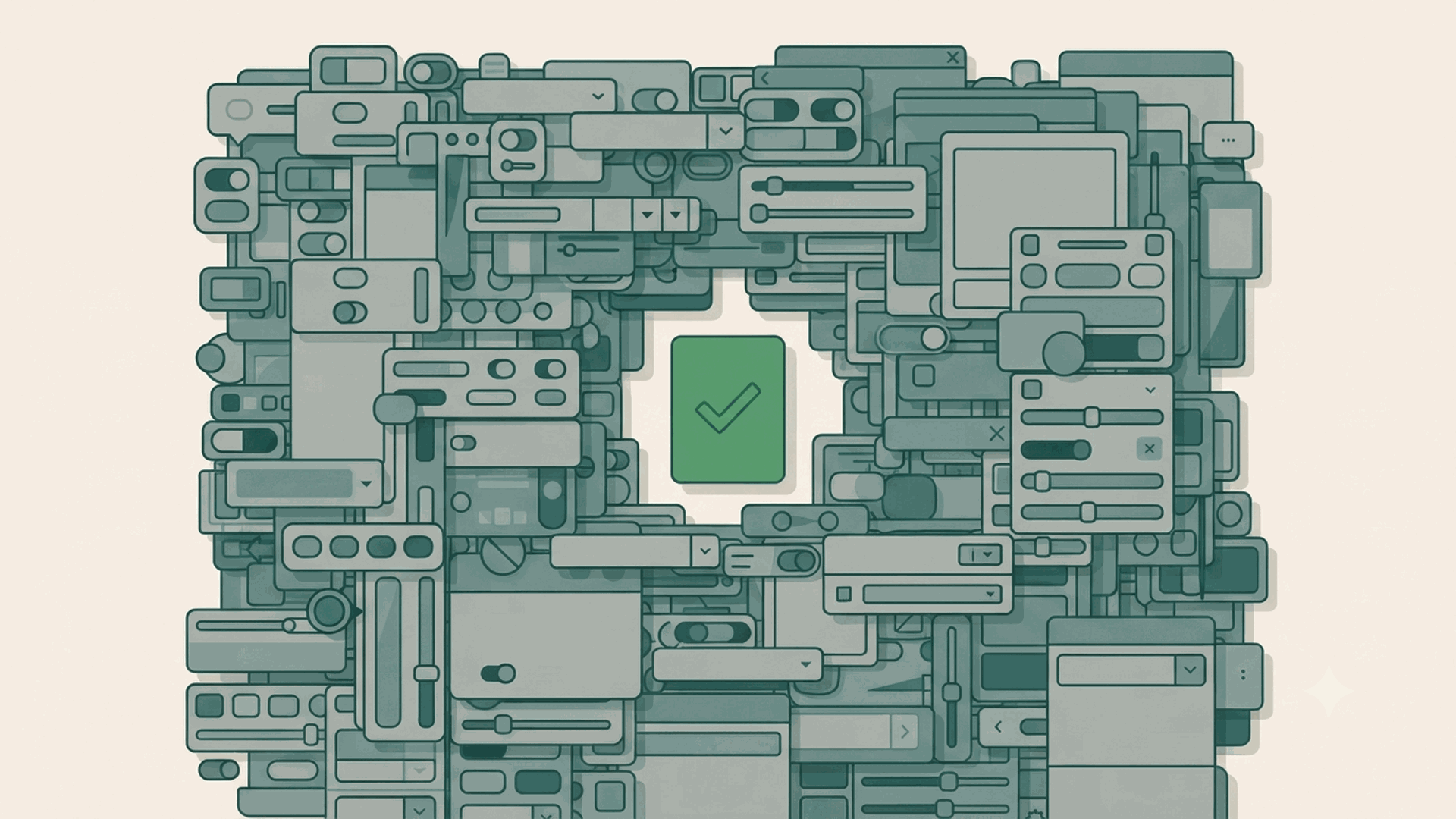
SRP cover: a dense, chaotic wall of muted interface controls filling the frame, with a single small green card and checkmark in a clear gap in the middle, the one answer surrounded by clutter.

Every Feature You Don't Use Is Still in Your Way

The pitch for the big project tools is always addition. Fifteen ways to view your work. Custom fields for anything. Automations, docs, goals, time tracking, whiteboards, forms, all in one place. It reads well on a feature comparison, where more boxes ticked looks like more value. And underneath it sits a quiet promise: a feature you are not using costs you nothing, it just waits until the day you need it.

That promise is false, and it is the most expensive false thing in software.

July 31, 2026 · 3 min · SRP Team
SRP guide cover reading 'What Is RAG Status? Red, Amber, Green Explained' in deep green on a cream background, with the SRP logo and teal geometric shapes.

What Is RAG Status? Red, Amber, Green Explained

RAG status is a way of rating a project, task, or goal using three colours: Red, Amber, and Green. It is one of the most common shorthands in project management because it turns a complicated question, how is this going, into a single at-a-glance signal that anyone can read. This is what each colour means, where RAG is used, how to decide a rating, and the one thing RAG cannot do that is worth understanding before you rely on it.

July 29, 2026 · 4 min · SRP Team
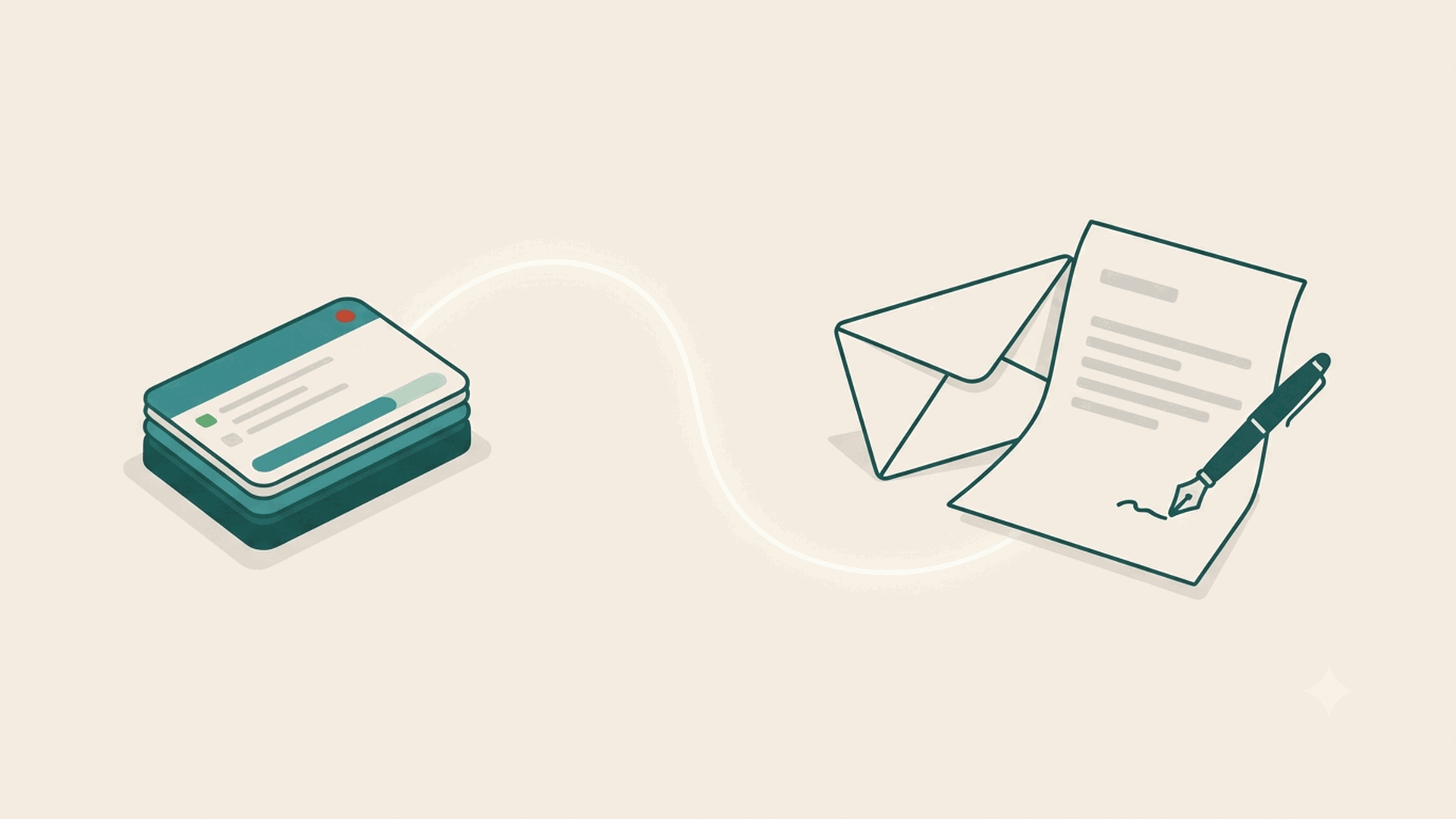
SRP cover: a project shown as a small stack of task cards on the left, a glowing line flowing to a letter and envelope on the right that a pen is writing on its own, with no hand.

The Status Email That Writes Itself

It is Friday afternoon and someone on your team is writing the same email again. Hi, quick update on where things stand. The design is with the client for review, development starts Monday, we are still waiting on the copy, launch is tracking to the end of the month. It takes forty minutes across a few clients, it is nobody’s favourite task, and you cannot bill a minute of it. Next Friday, they will write it again.

That email is not the problem. It is a symptom of a specific one, and it is worth naming, because once you see it you will stop paying for it.

July 27, 2026 · 4 min · SRP Team
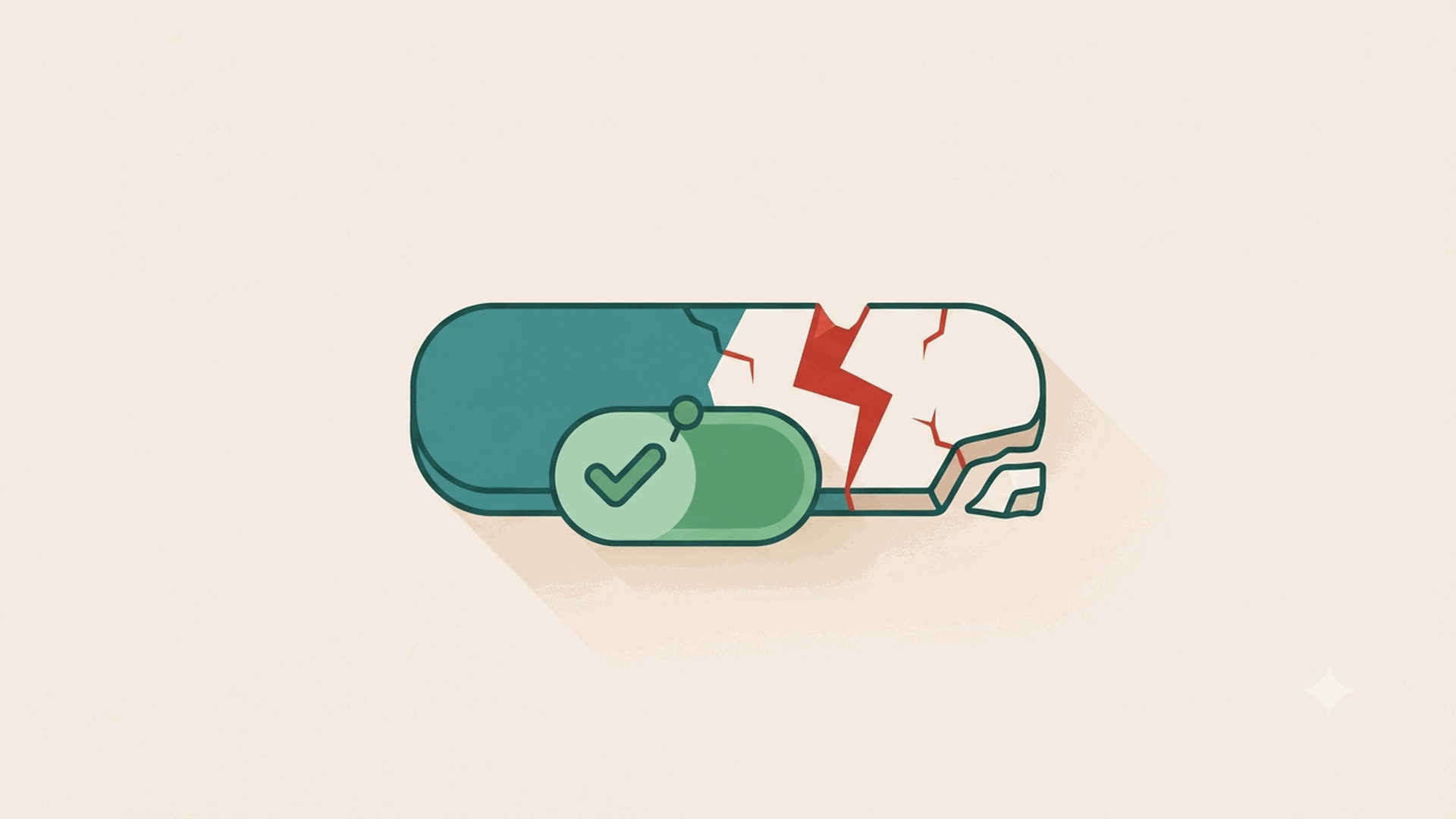
A rounded status bar: the left half is a calm teal on-track block with a small green tick badge pinned to it, while the right half has cracked apart along a jagged red fault line, the confident label oblivious to the break.

Why Your Tool Can't Warn You Early

On Friday the board was green. Every card on track, the client update sent, everyone offline for the weekend. By Tuesday the project was on fire, and when you scrolled back through the tool, nothing had changed between the two. It just sat there green while the work quietly came apart. The easy explanation is that someone forgot to move a card. But this happens to careful teams too, and it keeps happening, which means the problem is not discipline. It is what a status actually is. In most tools the thing that tells you a task is at risk is a field a person types, and a typed status has a fatal property: the only thing that changes it is a human noticing. The update and the noticing are the same event.

July 24, 2026 · 3 min · SRP Team