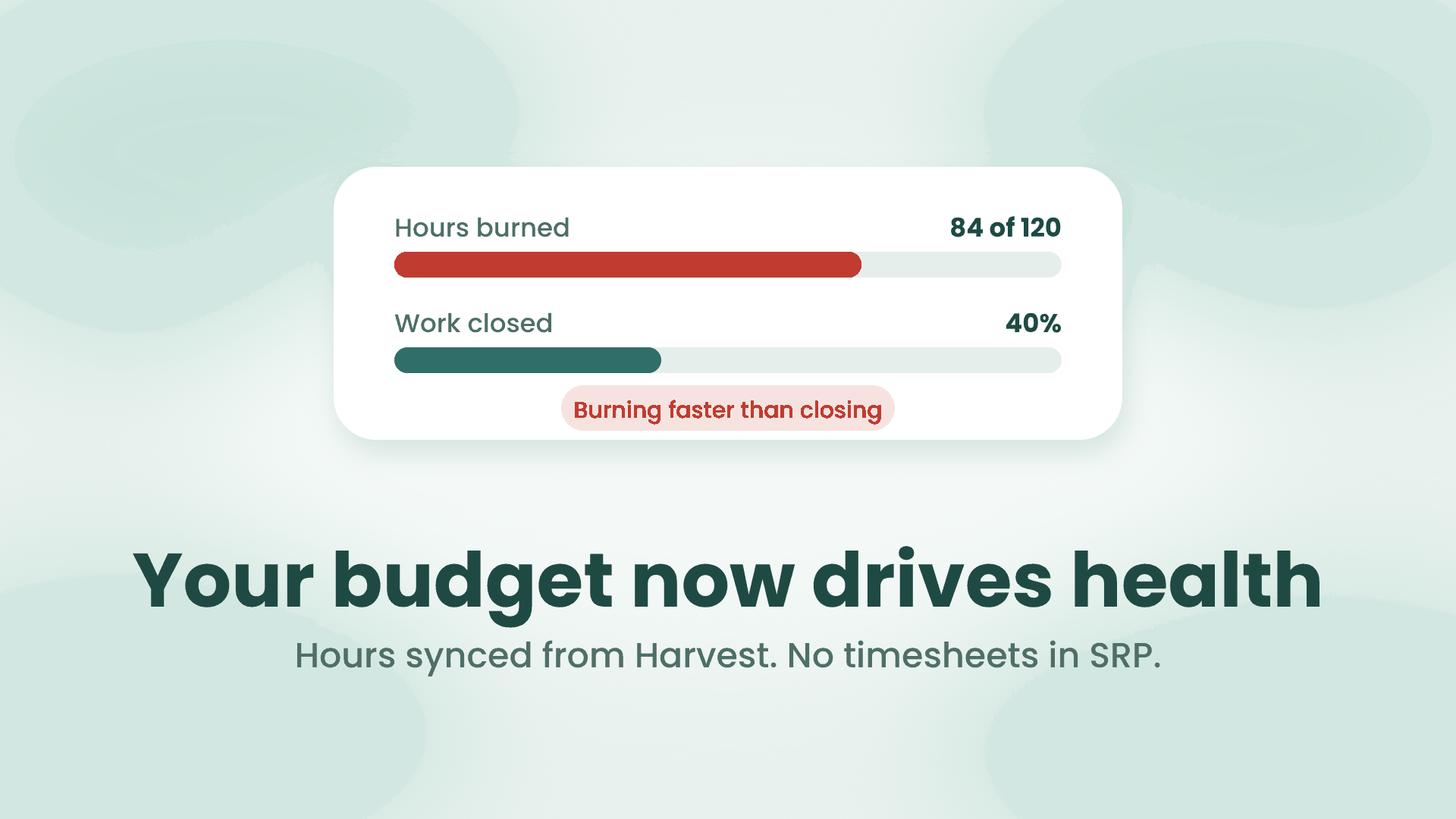
Most fixed-price work goes wrong in the same quiet way. The deadline looks fine, the board looks fine, and then the month closes, the hours get added up, and the project turns out to be 30 percent over budget with a third of the work still open. By then the only options are to eat the loss or to have an awkward call with the client.
SRP now catches that weeks earlier. Here is what changed.
The budget sits on the promise
An initiative in SRP is the promise you made to a client. A redesign, a retainer, a migration. It now carries a budget in hours and the hours burned against it.
The budget is on the initiative on purpose, not on a project, an iteration or a task. A project is where the work lives, and it outlives any single promise. An initiative is the thing you quoted, so that is the thing you track against the quote.
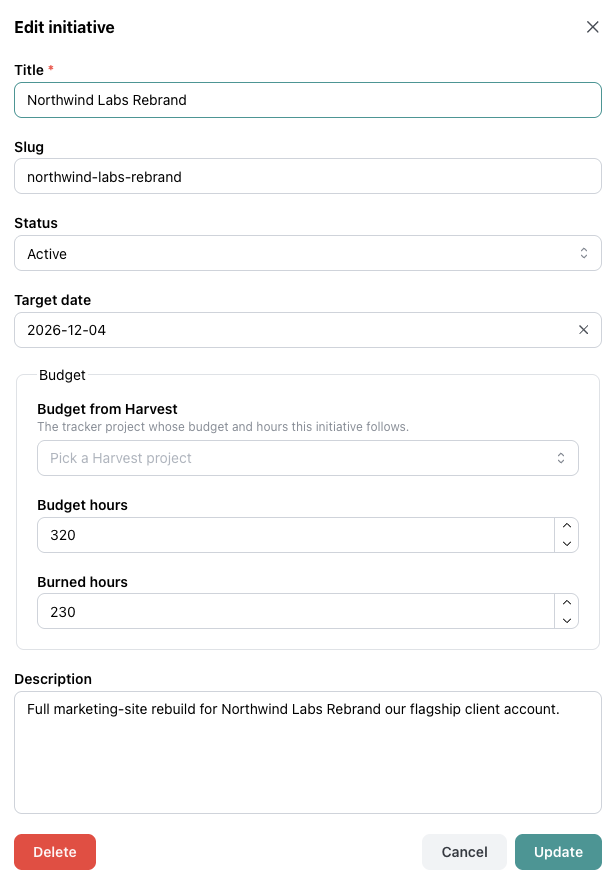
Type the budget and burned hours yourself, or pick the Harvest project the initiative follows.
Harvest fills in the hours
You can type the burned hours by hand. Most teams will not want to, so SRP now connects to Harvest.
Connect your Harvest account in Settings, then pick a Harvest project on the initiative form. From that moment the initiative follows that project. Its budget and its logged hours sync every hour, and you can click to sync right now when you need the latest number. Nothing is written back to Harvest. SRP only reads projects and hours.
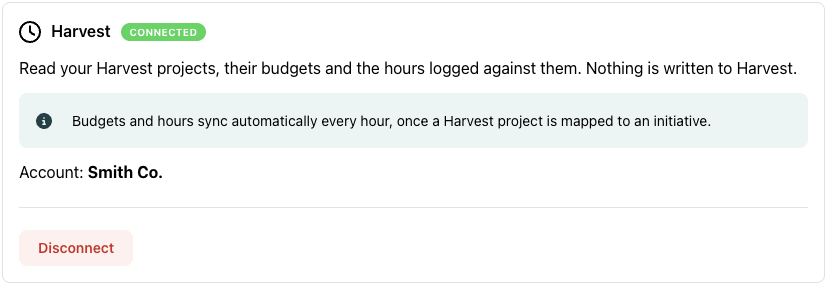
Connect once in Settings. SRP reads, never writes.
Harvest is the first tracker. Others are next.
Health now reads the budget
This is the part that matters. A budget on its own is a number you have to go and look at. In SRP the budget is an input to health, so it comes to you.
Two new reasons can change an initiative’s health.
Burning faster than closing. More than half the budget is burned, and the share of hours burned is running ahead of the share of work closed by more than a margin you set, 20 points by default. The initiative goes to at risk. This is the early signal, and it fires while there is still time to rescope, renegotiate or move people.
Budget exhausted. The hours have reached the budget and work items are still open. The initiative goes to critical.
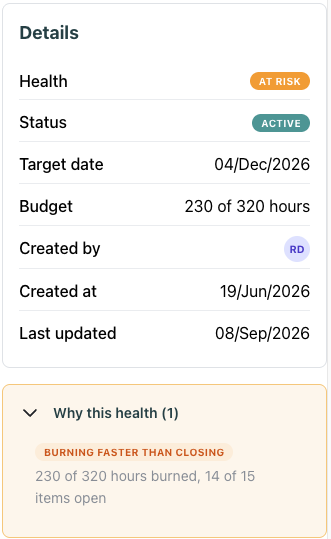
Health explains itself. 230 of 320 hours burned with 14 of 15 items still open is the picture of a quote going wrong.
Over budget with everything delivered fires nothing. That is a margin question for you and your accountant, not a delivery problem, and SRP stays out of it.
Budget and due date now also appear on the Needs Attention widget on your dashboard, so the initiatives that are burning hot show up next to the ones that are late.
What this does not do
SRP still has no timesheets and no timer. We do not think your team should log hours in a second tool. Log them where you already do, and let SRP read the result.