Every PM knows the quiet tax of running work across two tools. The engineers live in GitLab. The plan lives somewhere else. And keeping the two in sync means chasing people to update a board they will never love, or doing it yourself. Nobody does it reliably, so the plan is always a little bit wrong.
Our first integration is here to end that. SRP now connects to GitLab.
Link once, then stop touching it
Connect your GitLab account, and you can link any GitLab issue or merge request to a task or work item in SRP as an external reference, attaching the real engineering work behind it. Initiatives stay in the loop too: they don’t link to GitLab directly, but they inherit that signal through the work items underneath them.
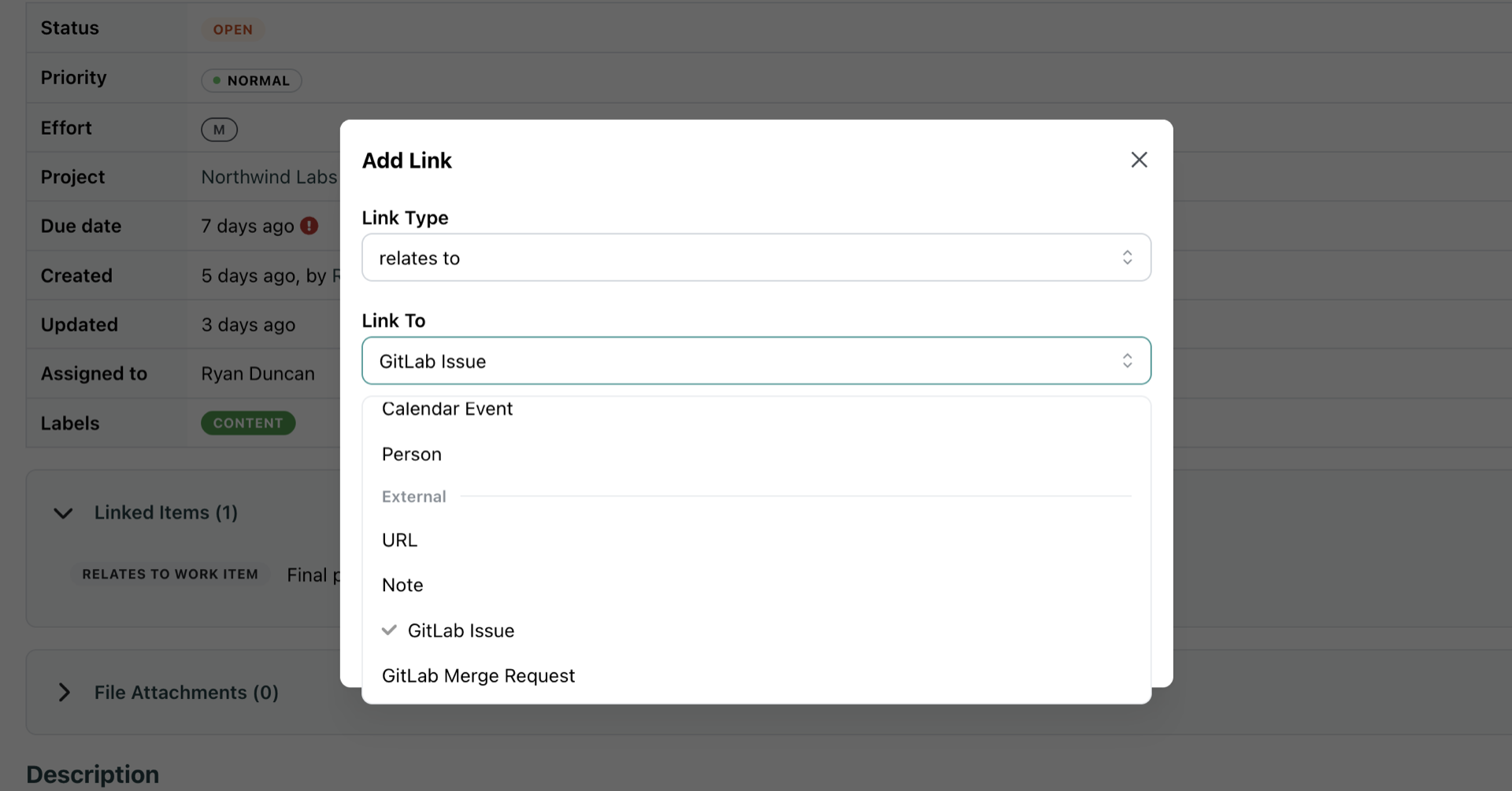
Link a GitLab issue or merge request to any work item in SRP.
The link is not just a bookmark. It drives health. When an engineer closes an issue or merges an MR in GitLab, SRP flips the linked reference and recomputes health automatically, with no human in the loop. An overdue or owner-less GitLab blocker will escalate the work item that depends on it, the same way a late internal task would. When the work is done in GitLab, the block clears on its own.
That is the whole idea: link it once, and SRP’s view of risk tracks reality as your engineers work, without anyone updating a second tool.
Works the moment you connect, instant if you want it
Search and linking work the instant the connection exists. Out of the box, SRP runs an hourly reconciliation poll that re-checks still-open references straight from GitLab, so you get accurate status with zero setup.
Want it instant? Drop SRP’s webhook URL and token into your GitLab project’s webhook settings, enable issue and merge-request events, and changes push to SRP the moment they happen.
Read-only, and built for any GitLab
SRP connects with a read-only scope. It never writes to GitLab, never creates anything there, and never touches your engineers’ workflow. It just listens. Both gitlab.com and self-managed instances are supported.
GitLab is the first. GitHub and Linear are next on the same foundation. Connect your account and stop reconciling two tools by hand.