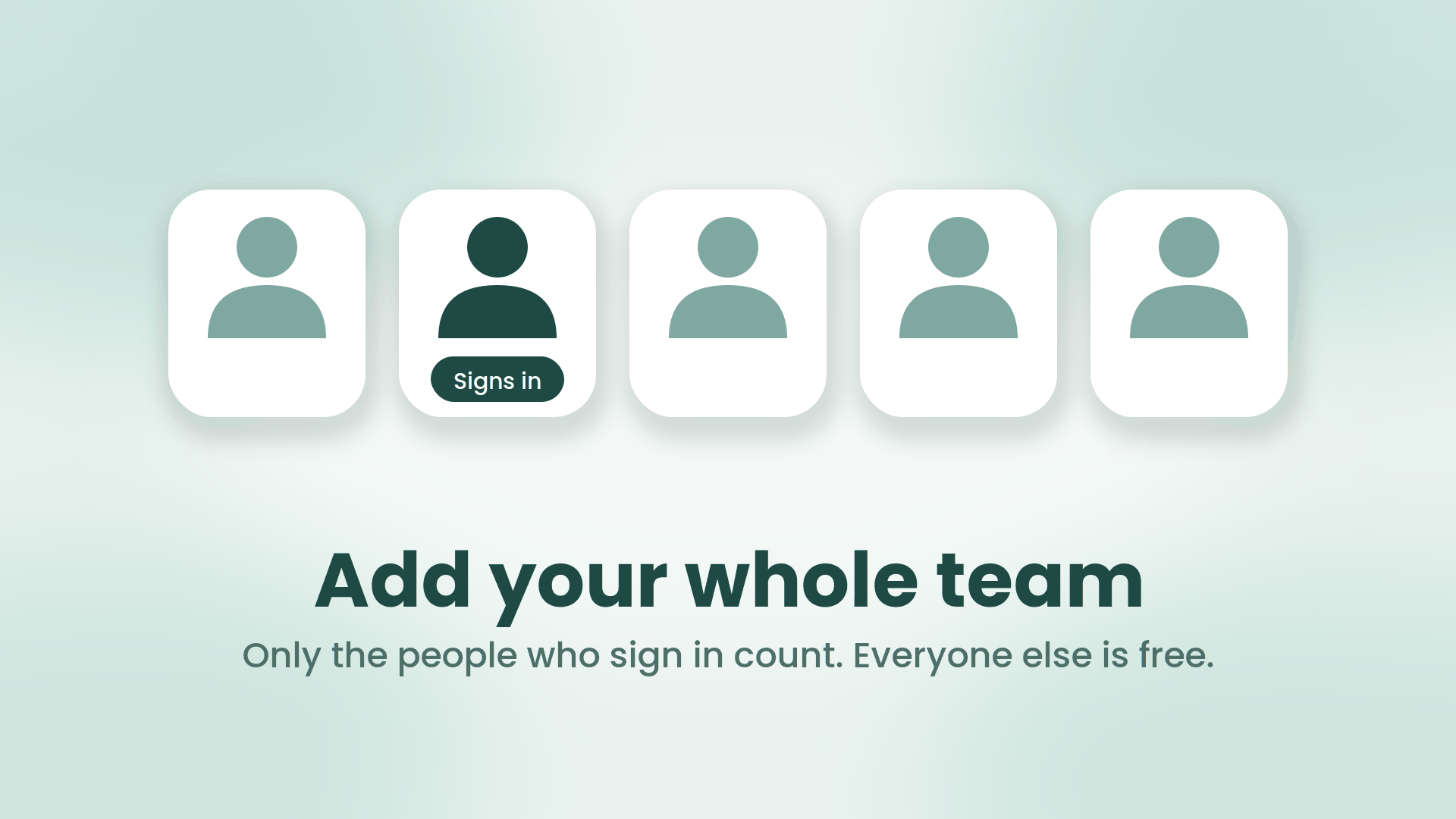
Five white tiles on a soft mint background, each with a simple person icon. One person is dark teal with a Signs in label under it; the other four are lighter and unlabeled.

Add your whole team. Invite only the people who need to sign in

When you add a person to SRP now, you make one choice: does this person sign in, or not? Both are real members of your team. Both can own work, carry a capacity, and be on leave. The only difference is that one of them opens SRP and the other never does. Members without sign-in, which the app calls managed members, are free, on every plan, in unlimited numbers, and they never receive an email from us.

September 12, 2026 · 6 min · SRP Team
Three flat teal robots facing a rounded panel of work rows, one row carrying a small red marker

The Agentic Era Arrives in SRP

Monday, 8:55am. You type one line into Claude:

Where are we, and what needs me today?

A few seconds later you have it. Two initiatives at risk and the reason for each. Three tasks of yours due this week. Ana is off Thursday, which is why the design review has no room in it. You reply, in the same window: move the review to Wednesday, add a blocker to the billing rewrite for the legal sign-off, and add a task to the website project to redo the pricing copy. Done, all of it, in your workspace, with your name on it.

No board. No tabs. No status meeting. That is live today: SRP now runs an MCP server, and any assistant that speaks MCP can plug straight into your work.

September 9, 2026 · 5 min · SRP Team
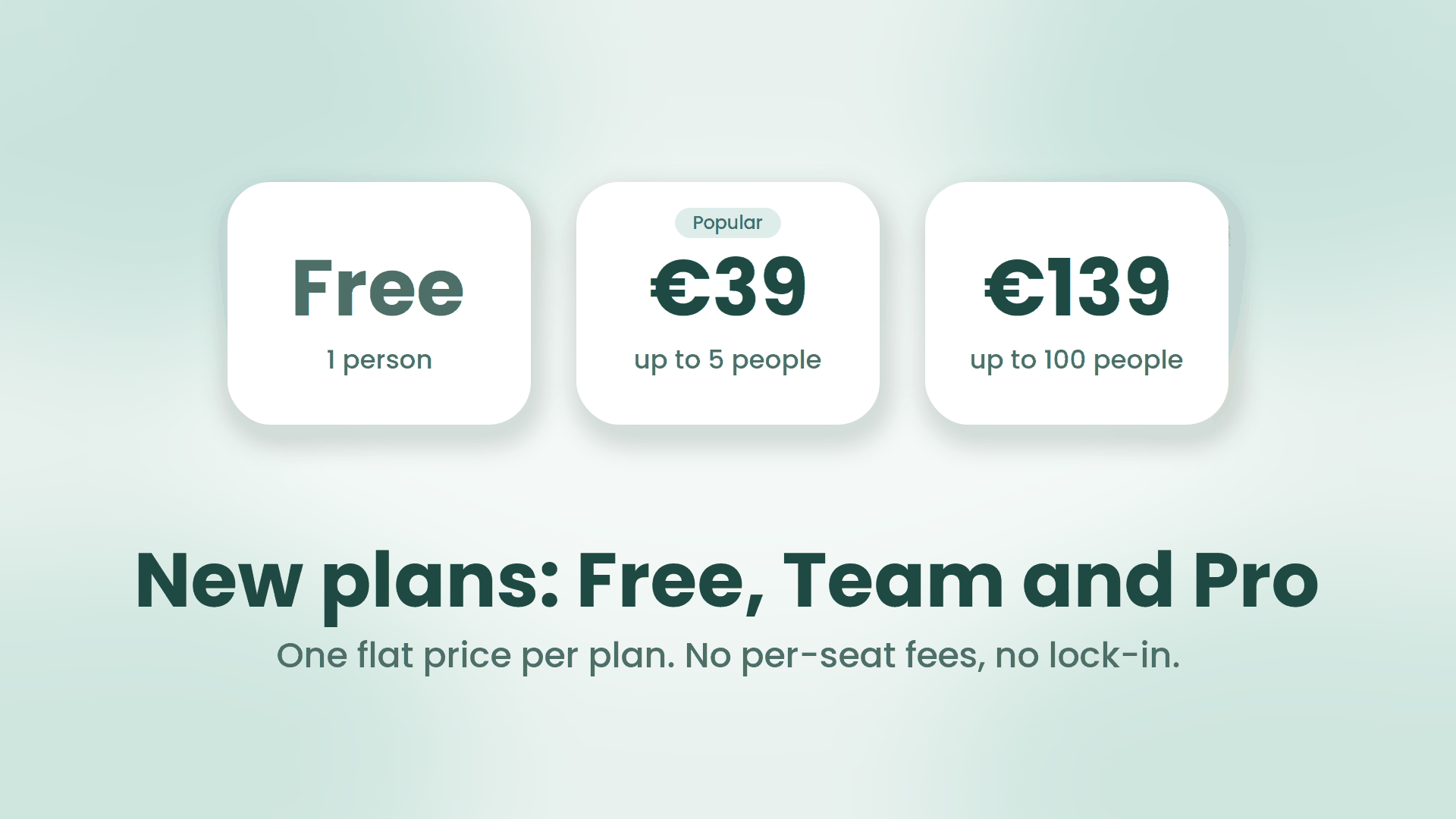
Three white plan tiles on a soft mint background reading Free for 1 person, 39 euros for up to 5 people, and 139 euros for up to 100 people, above the headline New plans: Free, Team and Pro

SRP now has a Free plan, and we stopped counting seats

Two changes went live on the pricing page this week. SRP now has a Free plan that never expires. And there is no per-seat plan on the page anymore, on purpose. Here is what changed and the reasoning behind it, because pricing is a product decision and you deserve to see the working.

September 2, 2026 · 5 min · SRP Team
SRP guide cover reading 'How to Write a Project Status Update for a Client' in deep green on a cream background, with the SRP logo and teal geometric shapes.

How to Write a Project Status Update for a Client

A good client status update does one job: it tells the client where their project stands clearly enough that they do not have to ask. Do that well and you get fewer where-are-we emails, calmer clients, and a lot less firefighting. Do it badly, or late, and you get the opposite. Here is how to write one, what to avoid, and a sample you can copy.

August 14, 2026 · 4 min · SRP Team
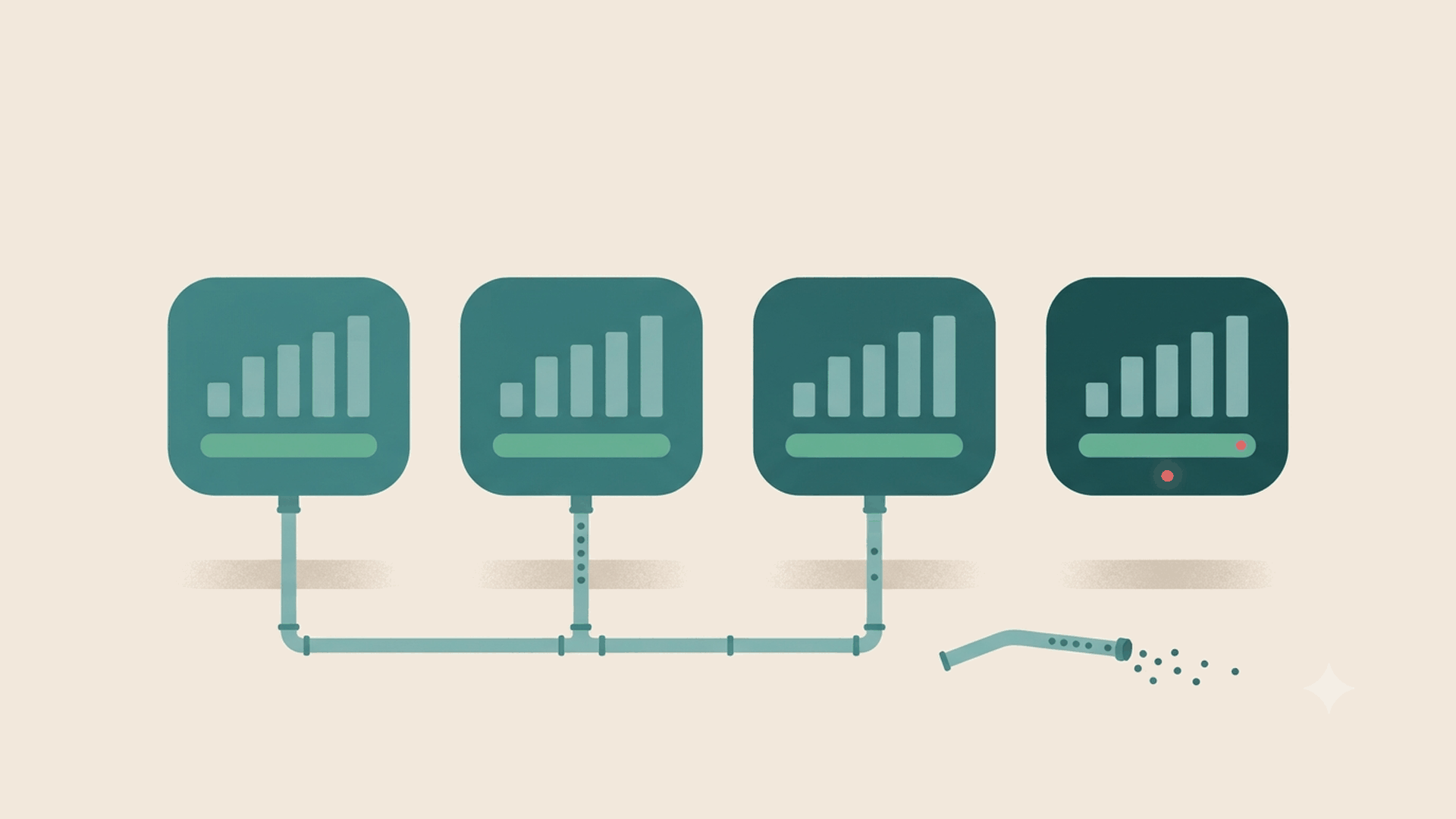
Four teal dashboard panels in a row, each showing a rising bar chart and a full green status bar. Three are plumbed into a supply line running beneath them. The fourth has no feed at all; the length of pipe that should serve it lies on the ground beside it, spilling data out of its open end, and yet that panel still reads as healthy apart from one small red dot.

Four Questions to Ask Before You Trust a Feature

We have argued before that the half of governance built on habit gives way under load. The report that requires busy people to feed it honestly every day fails on precisely the weeks it was bought for. That is a claim about a category. This is the practical follow-on: how to test any single feature in your stack for it, before you find out the expensive way.

It takes about a minute per feature and needs no trial period. Four questions.

August 12, 2026 · 4 min · SRP Team
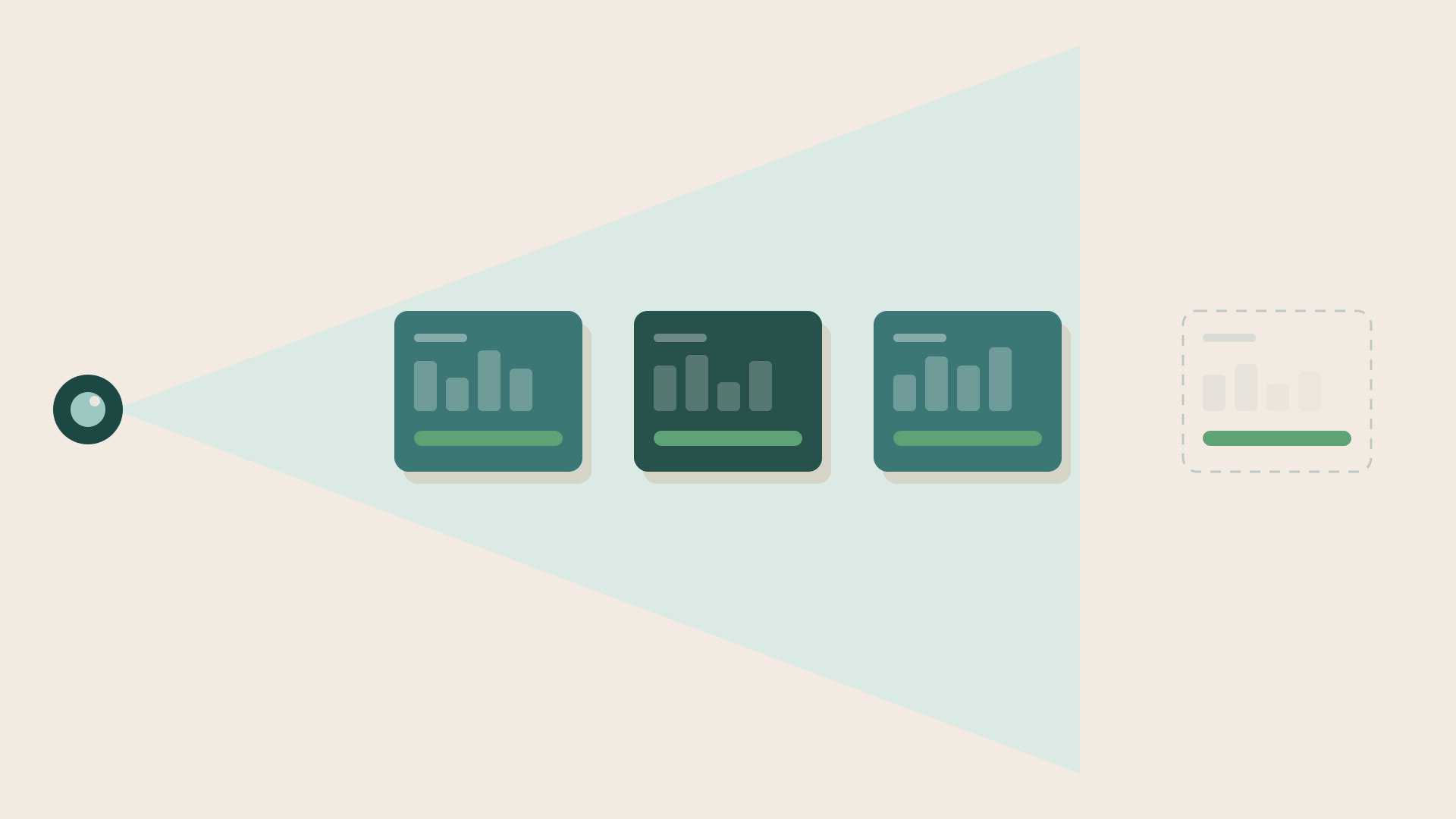
A dark lens on the left casts a pale wedge of visibility across the scene. Three project cards sit inside the wedge, fully drawn, each with a solid green status bar. A fourth card sits outside it, sketched as a dashed outline with barely visible contents, and yet its green status bar is exactly as solid as the other three.

Green Because Fine, or Green Because Blind?

A tool that derives risk from your work instead of asking someone to type it solves a real problem. It also introduces a new one, and it is worth naming plainly rather than discovering it the hard way.

A derived signal is a claim about the world, produced from data. If the data is thin, stale, or simply absent, the claim is wrong. But it does not look wrong. It looks exactly like a correct one, because it was computed a moment ago from whatever was available, and freshness of computation is not the same thing as completeness of input. That is the trap. A green project can mean the work is healthy, or it can mean the system cannot see the work at all, and by default those two render identically.

August 12, 2026 · 6 min · SRP Team
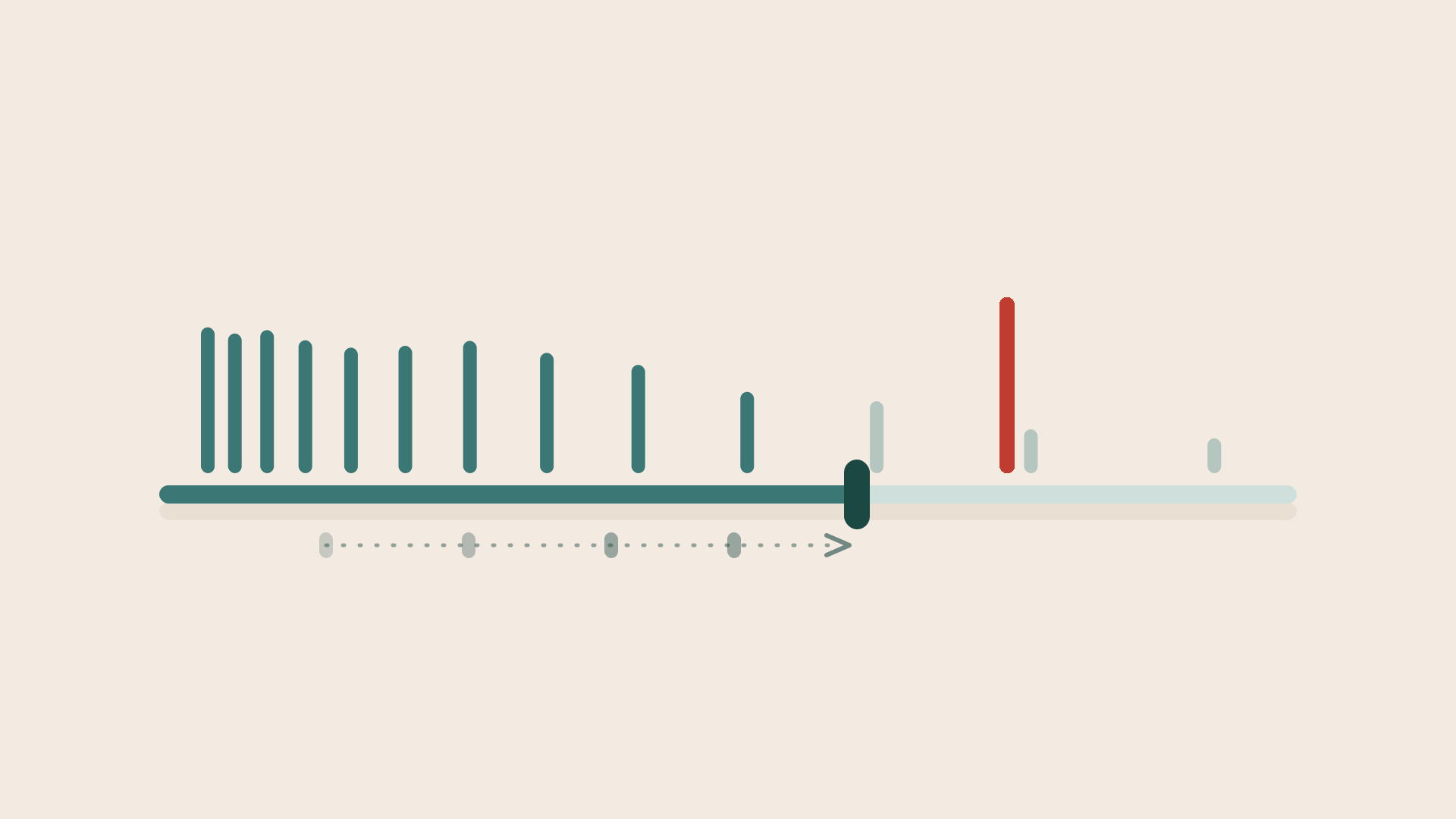
A long horizontal threshold slider. To the left of the handle, densely packed teal bars stand tall, everything the alert still catches. To the right the bars thin out and fade to grey, ignored. Beneath the track, a dotted trail of faded past handle positions runs left to right with an arrow, showing the threshold has only ever been loosened. Well past the handle stands a single tall red bar, uncaught.

The Calibration Problem: Why Every Alert Drifts Toward Silence

Any tool that warns you about slipping work has a number in it somewhere. How many days of silence before a task counts as stale. How far behind an iteration has to fall before it goes amber. How close a due date has to be before anyone hears about it. That number is a judgement call, and it is the least discussed part of the entire category, because it is where a warning system either earns its place or quietly becomes furniture.

Get it wrong in one direction and the tool shouts at everything. People stop reading, build a filter to mute it, and start tracking the real risks in a side channel. Get it wrong in the other and the tool sits there approving of everything, and you are back to relying on someone noticing in time. Both are failures. Only one of them ever generates a complaint, and that asymmetry is what actually kills alerting systems.

August 10, 2026 · 6 min · SRP Team
SRP guide cover reading 'Client Project Status Report Template' in deep green on a cream background, with the SRP logo and teal geometric shapes.

Client Project Status Report Template: What to Include and a Format You Can Copy

If you run client projects, you send status reports, and if you are like most agencies you have rebuilt the same one from scratch more times than you can count. This is a clean client project status report template you can copy, along with what belongs in each section and how often to send it. It works for a weekly email, a shared doc, or a slide, and it is deliberately short, because a client report nobody reads is worse than no report at all.

August 7, 2026 · 4 min · SRP Team
SRP cover: a dimmed, abandoned app window with a faint cobweb in one corner and a single small red alert dot going unnoticed, the picture of a tool the team quietly stopped opening.

A Tool You Have to Fight Is a Tool You Stop Opening

The most important number for any project tool is not how much it can do. It is how often people actually open it without being told to. Every tool works in the demo and works in week one, when the team is trying. The real test comes in week six, on a busy afternoon, when opening the tool is one more thing to do and nothing forces the issue. Do people still reach for it, or do they quietly stop?

That question sounds soft. It is the whole game, because a tool the team has quietly abandoned is worse than no tool at all.

August 5, 2026 · 3 min · SRP Team
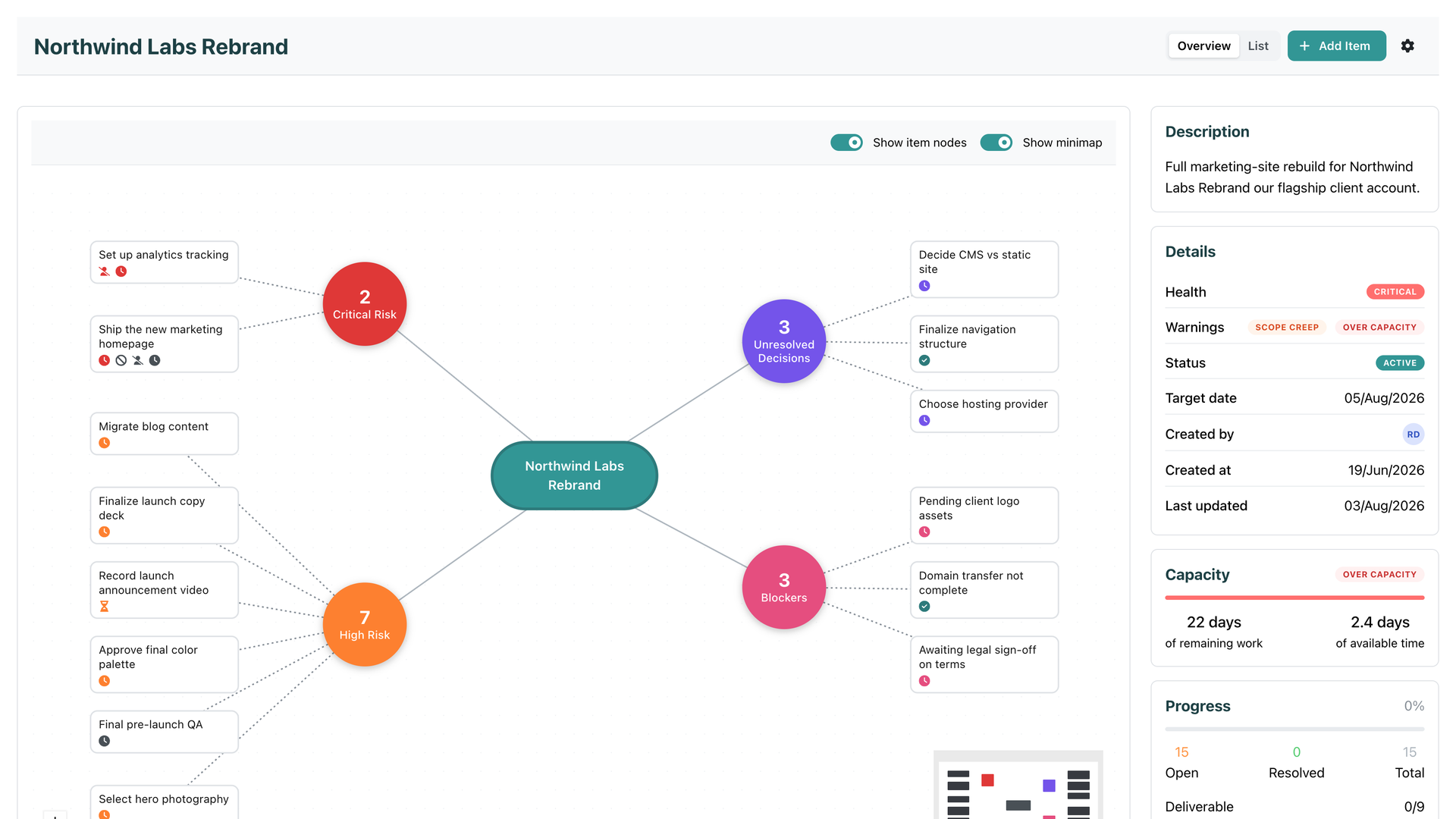
An SRP initiative overview with its risk cluster mapped out, Critical health, an Over capacity warning, and the Capacity panel showing 22 days of remaining work against 2.4 days of available time

Introducing Team Capacity

Every tool you have ever planned in knows two things about your work: when it is due, and roughly how big it is. And every one of them keeps those two facts in separate drawers. The due date sits on the item. The size sits next to it. Nobody does the one thing that would actually answer the question you care about: can this be finished by its target date, by the people who are actually doing it, with the time they actually have?

That is the question Team Capacity answers. Continuously, and without asking anyone to do anything new.

August 3, 2026 · 5 min · SRP Team