SRP Now Connects to GitHub
Last month we connected SRP to GitLab so you could link engineering work to your plan and let it drive health automatically. The most common reply was some version of “great, now do GitHub.” So we did.
Last month we connected SRP to GitLab so you could link engineering work to your plan and let it drive health automatically. The most common reply was some version of “great, now do GitHub.” So we did.
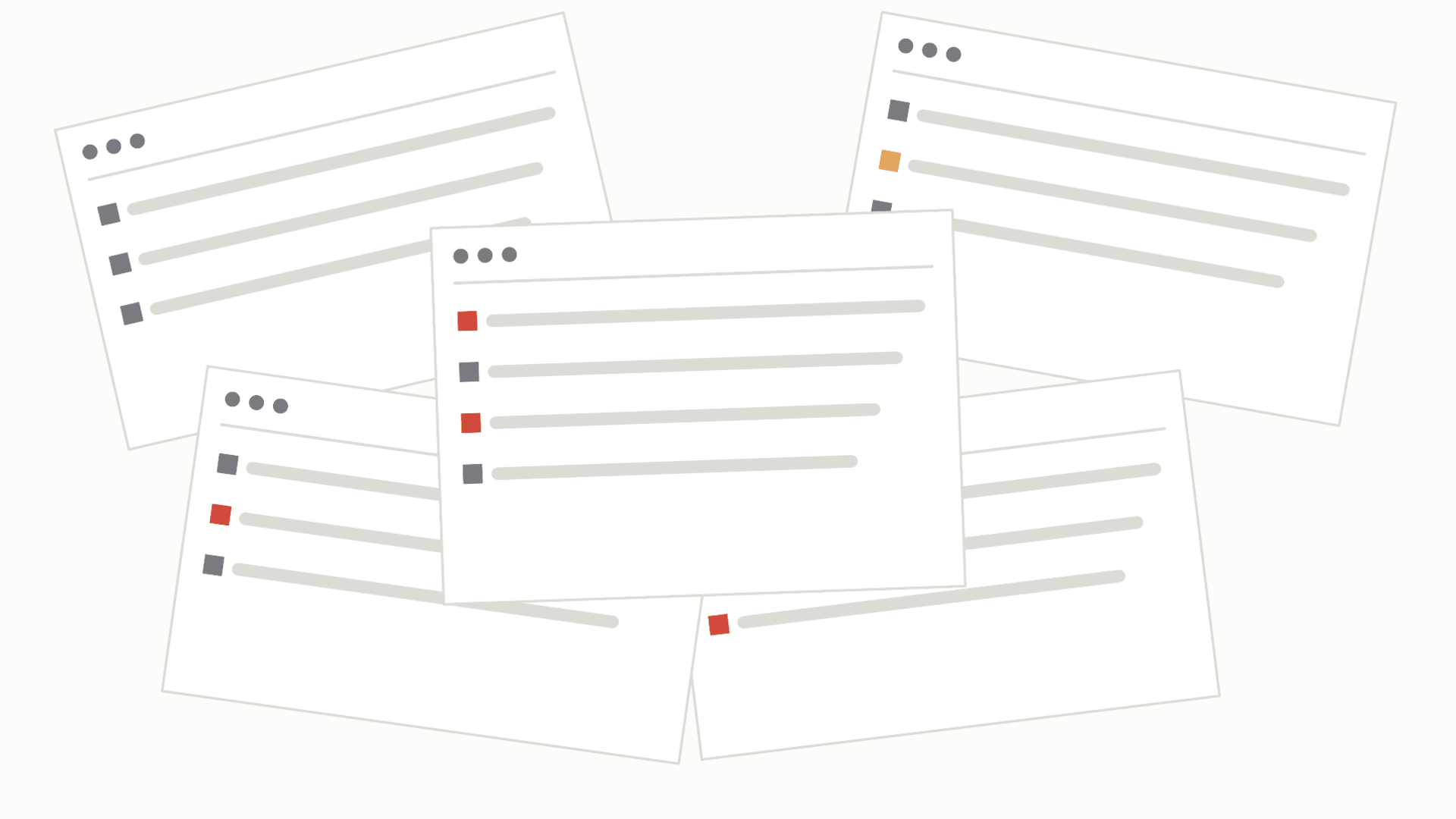
Every project tool works at ten tasks.
One project, one team, ten things to do. You can see the whole thing at a glance, and nothing slips without you noticing. So you buy in. Then the work grows: more projects, more people, more tools in the mix. And somewhere along that curve you realize you’ve quietly become the tool’s query engine, scanning boards every morning, remembering which project was fragile last week, holding the whole risk map in your head because the software won’t hold it for you.
That’s not project management. That’s you doing unpaid labor for software that was supposed to do it for you.
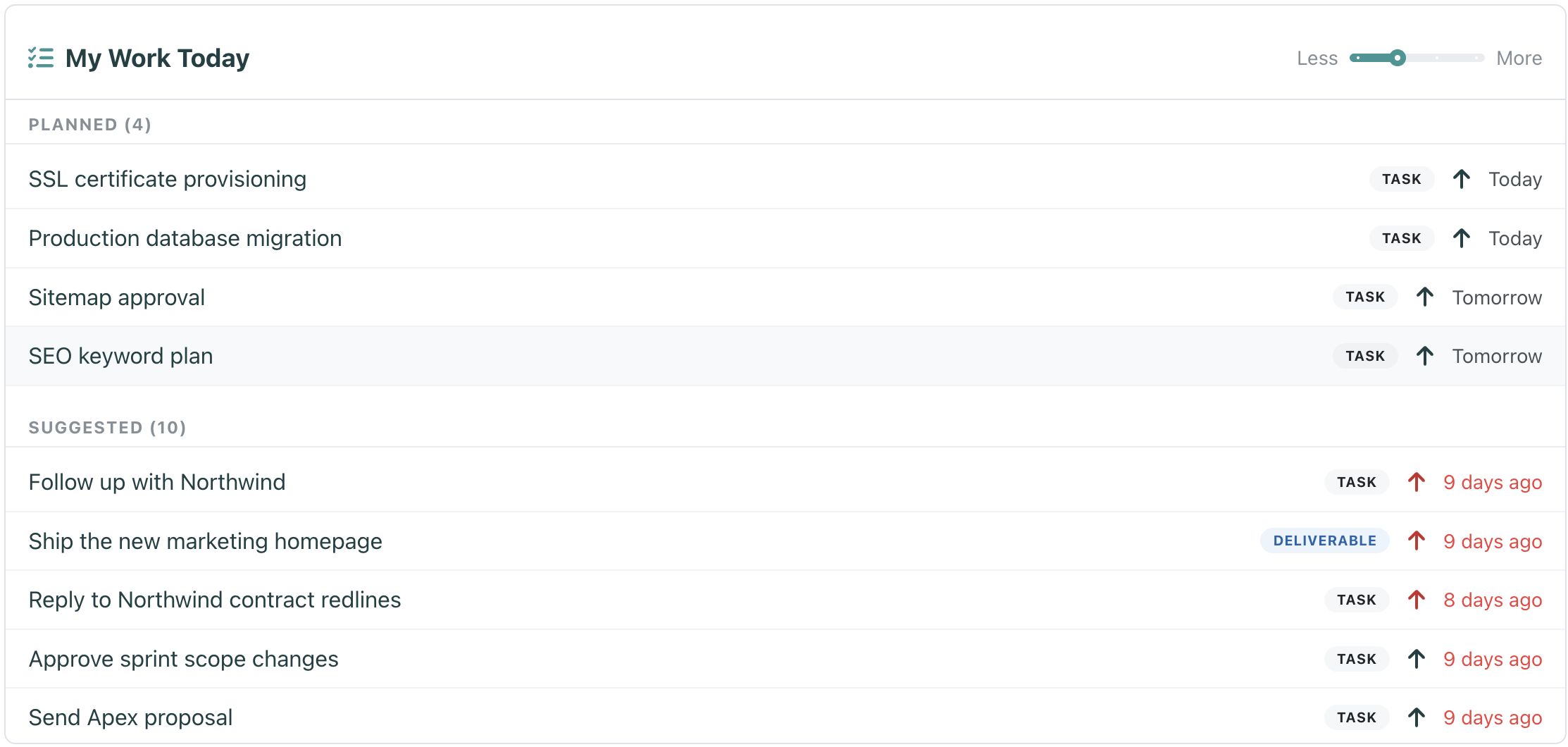
Every morning starts with the same small ritual. You open your work, look at everything you could possibly do, and try to decide what you will actually do. For most tools that means scanning a few boards, eyeballing due dates, and holding the plan in your head until lunch undoes it.
We wanted that ritual to take ten seconds, not ten minutes. So we built My Work Today, a new widget that lives right on your dashboard.
I didn’t set out to build another project management tool. There are enough of those. I set out to kill the management nobody needs: the check-ins, the status-chasing, the meeting you run just to find out what’s behind. And to help teams keep their rhythm and momentum.
For years, the rhythm of running projects looked the same no matter what tool I was using. Monday morning, get everyone in a room, or a call, and go around the table: what are you working on, what’s blocked, what’s slipping. By the time we’d finished, we knew what was behind. The problem is that “by the time we’d finished” was already too late. The thing that slipped had been slipping for days. The meeting didn’t catch it. The meeting just told me it had already happened.
Every PM knows the quiet tax of running work across two tools. The engineers live in GitLab. The plan lives somewhere else. And keeping the two in sync means chasing people to update a board they will never love, or doing it yourself. Nobody does it reliably, so the plan is always a little bit wrong.
Our first integration is here to end that. SRP now connects to GitLab.
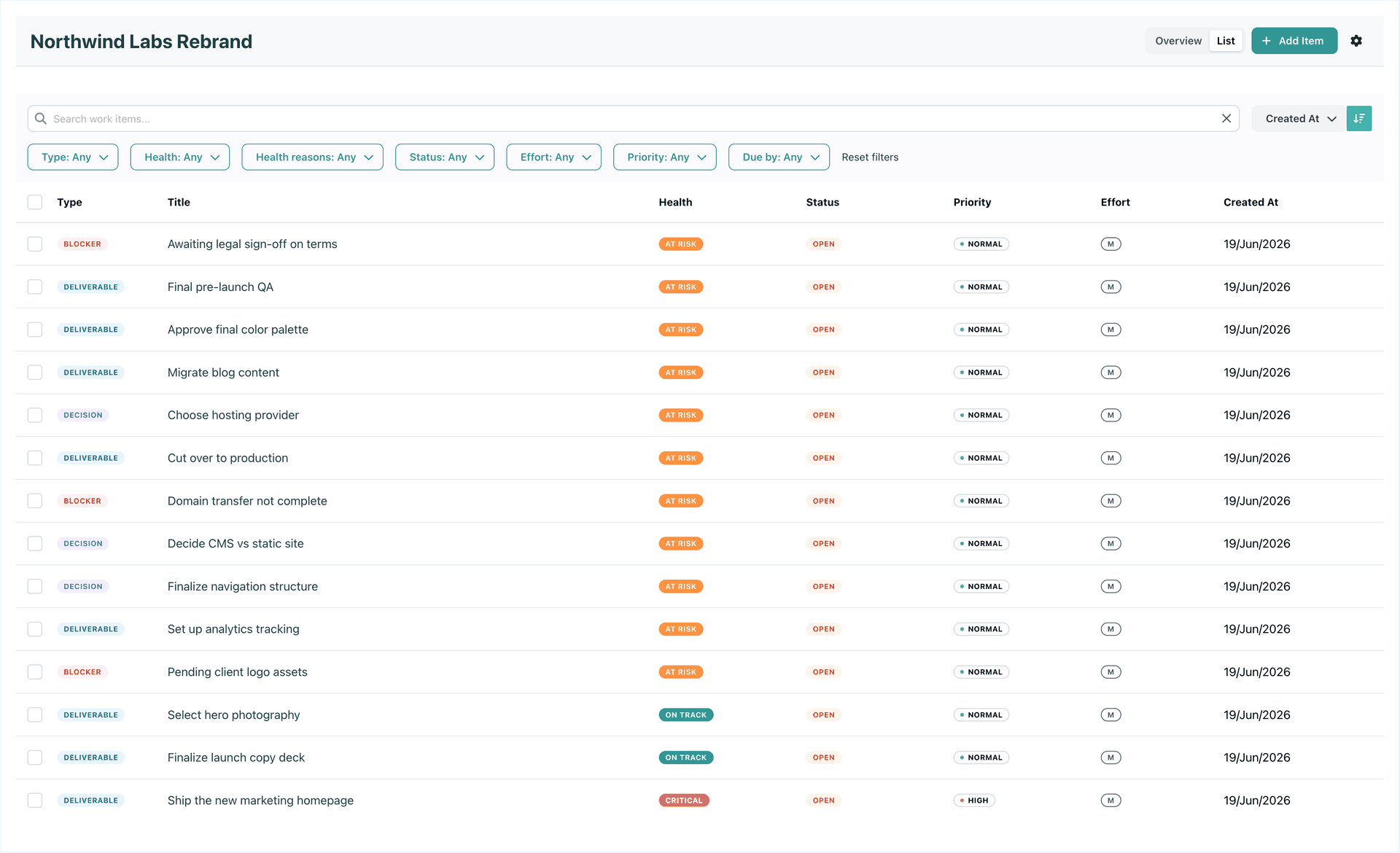
Tasks are great at answering “what am I doing?” They are terrible at answering “what are we actually trying to achieve?” That second question is the one stakeholders ask, the one that decides whether a quarter went well, and the one no task board has ever answered cleanly.
So we built the layer that does. Say hello to Initiatives.
A task marked as blocked tells you something is stuck.
But it does not always tell you why.
That is a problem, because “blocked” can mean very different things depending on the situation.
One task may be blocked because a client has not replied. Another may be blocked because a teammate is unavailable. Another may be waiting for a decision, missing information, or depending on work that has not been finished yet.
In all of those cases, the task is blocked.
But the way you unblock it is not the same.
Most teams already know when work is overdue.
The deadline passes. The task turns red. Someone asks, “What happened here?”
That is useful, but it is also late.
By the time work is overdue, the team has usually already paid the price: a delayed client update, a rushed handoff, a missed dependency, a frustrated teammate, or a meeting where everyone tries to reconstruct what went wrong.
The harder problem is not knowing what is overdue.
The harder problem is knowing what is starting to fall behind before it becomes a problem.
Every team knows the meeting.
The meeting is usually called a status meeting, but most of the time it is not really about status.
It is about uncertainty.
The team does not know what is stuck. The manager does not know what is falling behind. The client does not know what has changed. So everyone gets pulled into a meeting to reconstruct the truth from memory, chat messages, task comments, and half-updated boards.
That is not coordination.
That is archaeology.
Most small teams do not lose control because they forgot how to create tasks.
They lose control because the important work becomes invisible.
A task is overdue, but buried in a board. A client is waiting, but nobody sees it. A blocker exists, but only one person knows. A deadline is close, but the team notices too late.