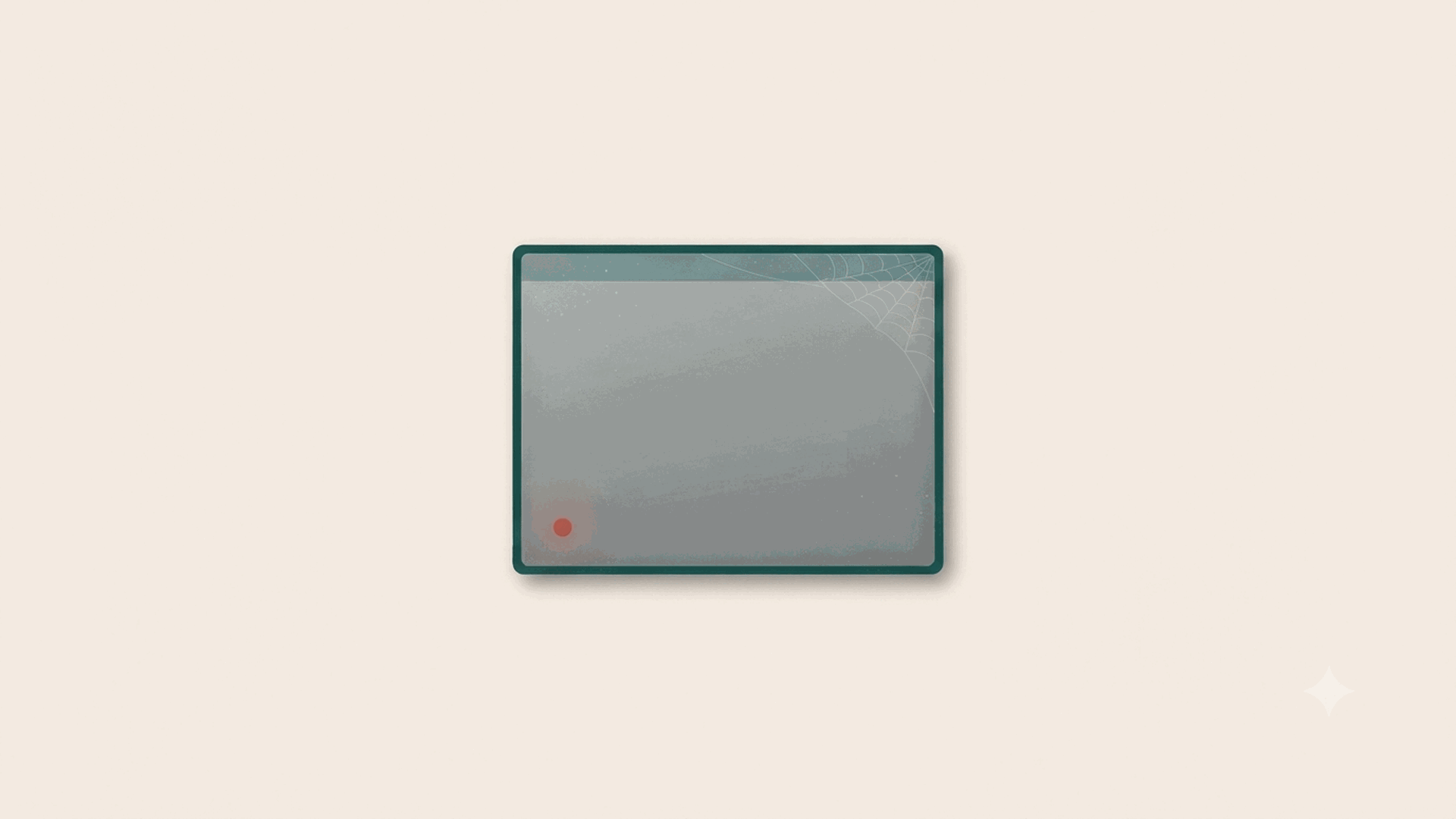
SRP cover: a dimmed, abandoned app window with a faint cobweb in one corner and a single small red alert dot going unnoticed, the picture of a tool the team quietly stopped opening.

A Tool You Have to Fight Is a Tool You Stop Opening

The most important number for any project tool is not how much it can do. It is how often people actually open it without being told to. Every tool works in the demo and works in week one, when the team is trying. The real test comes in week six, on a busy afternoon, when opening the tool is one more thing to do and nothing forces the issue. Do people still reach for it, or do they quietly stop?

That question sounds soft. It is the whole game, because a tool the team has quietly abandoned is worse than no tool at all.
August 5, 2026 · 3 min · SRP Team
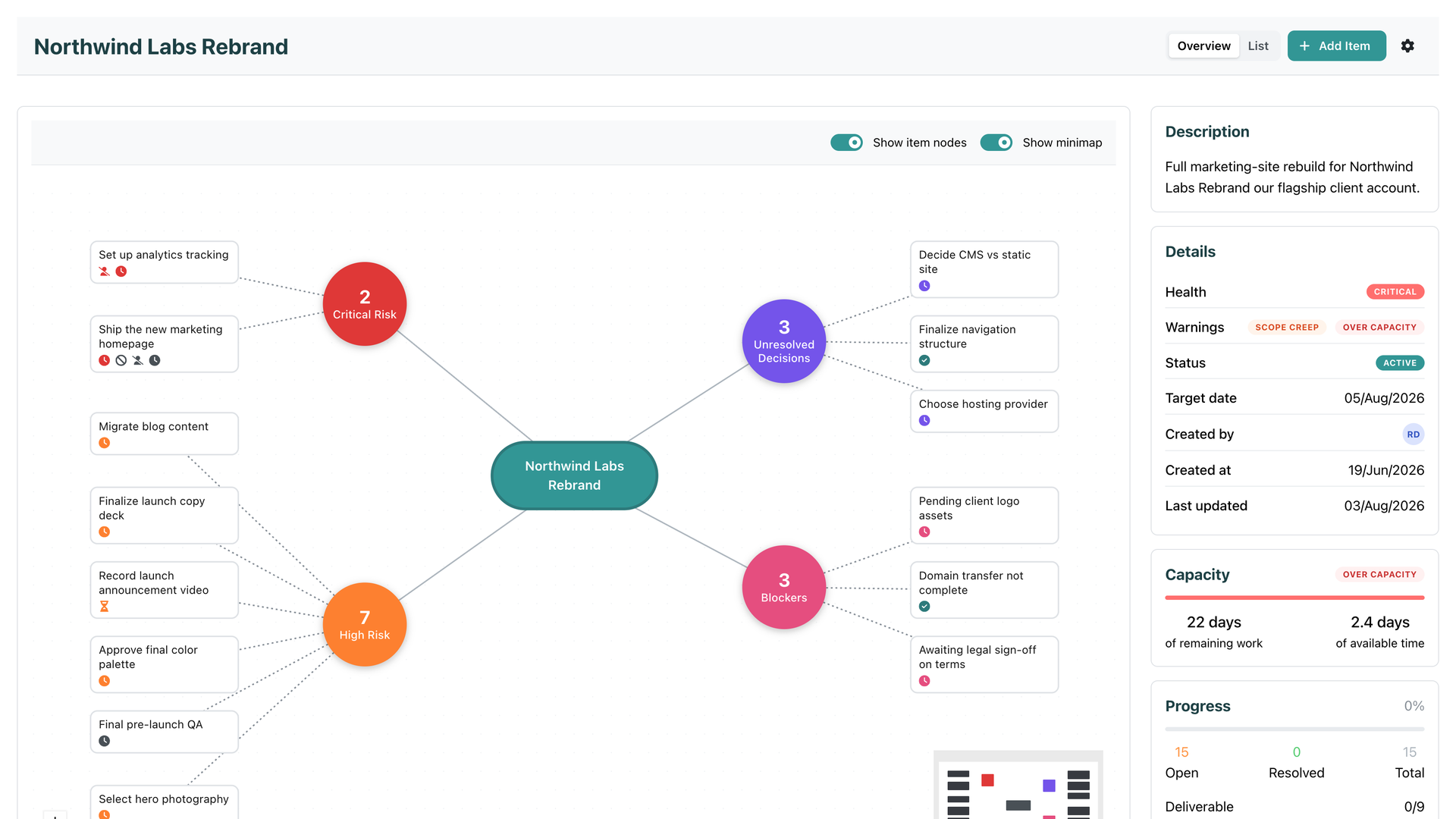
An SRP initiative overview with its risk cluster mapped out, Critical health, an Over capacity warning, and the Capacity panel showing 22 days of remaining work against 2.4 days of available time

Introducing Team Capacity

Every tool you have ever planned in knows two things about your work: when it is due, and roughly how big it is. And every one of them keeps those two facts in separate drawers. The due date sits on the item. The size sits next to it. Nobody does the one thing that would actually answer the question you care about: can this be finished by its target date, by the people who are actually doing it, with the time they actually have?

That is the question Team Capacity answers. Continuously, and without asking anyone to do anything new.

August 3, 2026 · 5 min · SRP Team
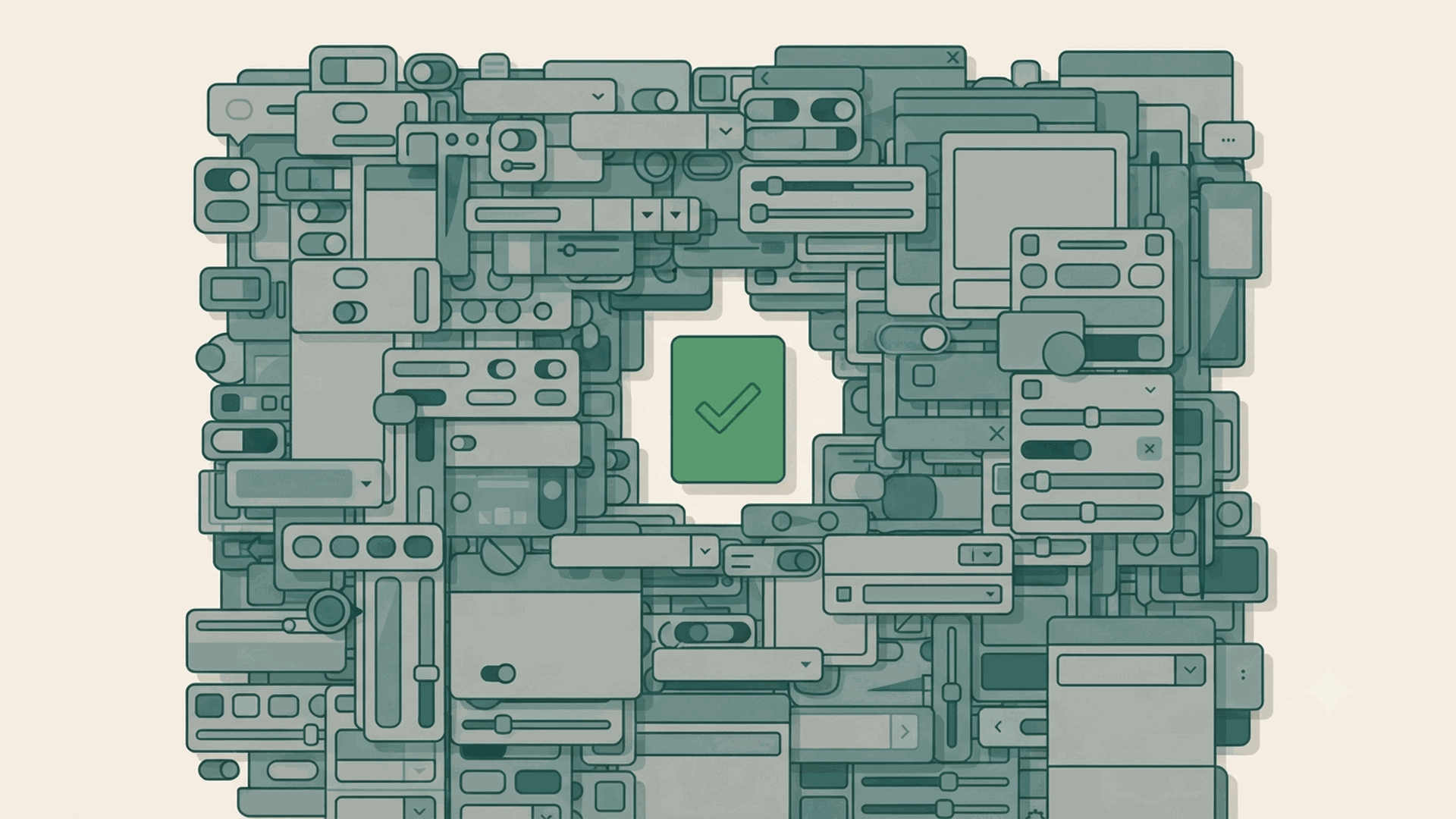
SRP cover: a dense, chaotic wall of muted interface controls filling the frame, with a single small green card and checkmark in a clear gap in the middle, the one answer surrounded by clutter.

Every Feature You Don't Use Is Still in Your Way

The pitch for the big project tools is always addition. Fifteen ways to view your work. Custom fields for anything. Automations, docs, goals, time tracking, whiteboards, forms, all in one place. It reads well on a feature comparison, where more boxes ticked looks like more value. And underneath it sits a quiet promise: a feature you are not using costs you nothing, it just waits until the day you need it.

That promise is false, and it is the most expensive false thing in software.

July 31, 2026 · 3 min · SRP Team
SRP guide cover reading 'What Is RAG Status? Red, Amber, Green Explained' in deep green on a cream background, with the SRP logo and teal geometric shapes.

What Is RAG Status? Red, Amber, Green Explained

RAG status is a way of rating a project, task, or goal using three colours: Red, Amber, and Green. It is one of the most common shorthands in project management because it turns a complicated question, how is this going, into a single at-a-glance signal that anyone can read. This is what each colour means, where RAG is used, how to decide a rating, and the one thing RAG cannot do that is worth understanding before you rely on it.

July 29, 2026 · 4 min · SRP Team
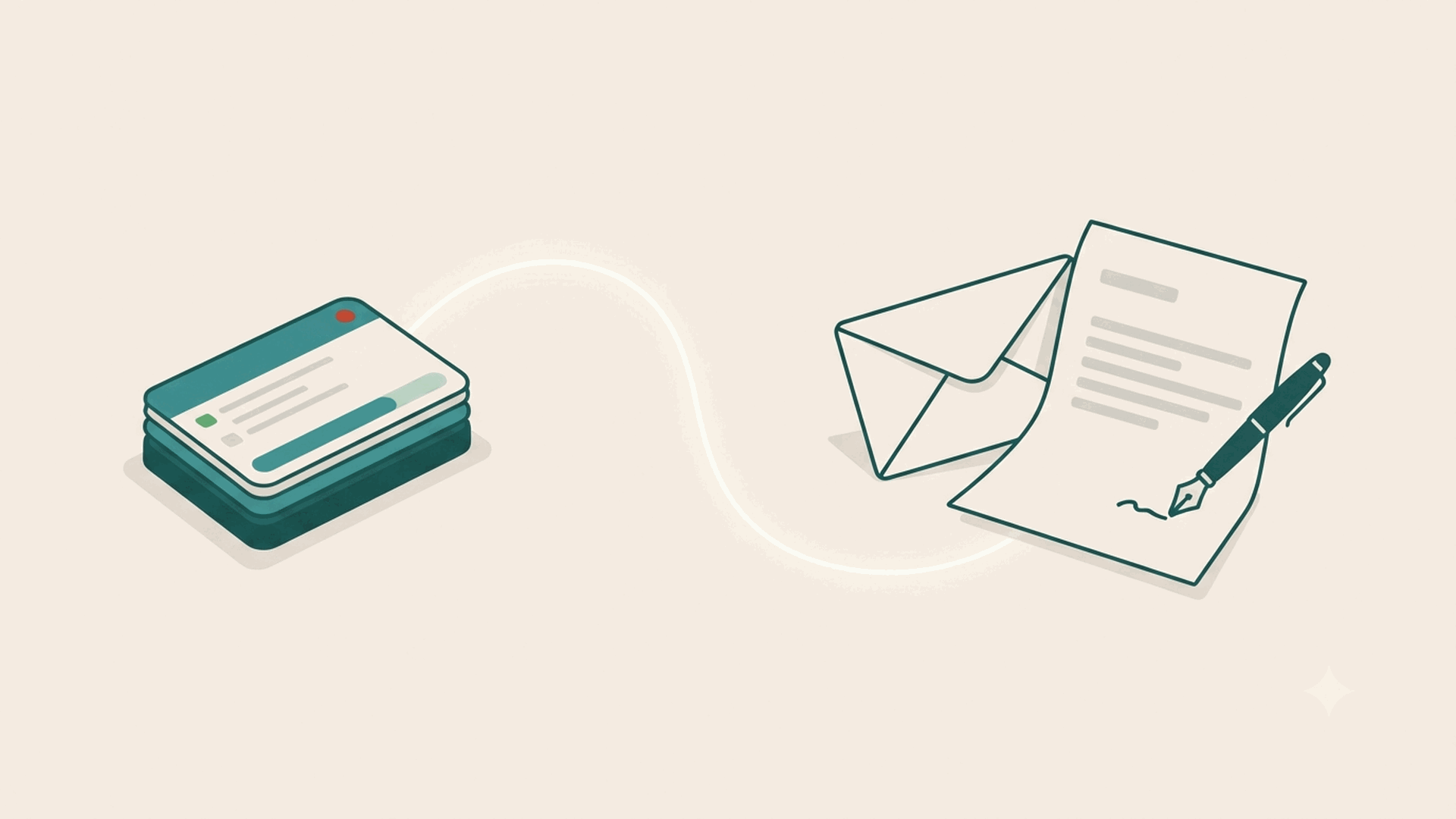
SRP cover: a project shown as a small stack of task cards on the left, a glowing line flowing to a letter and envelope on the right that a pen is writing on its own, with no hand.

The Status Email That Writes Itself

It is Friday afternoon and someone on your team is writing the same email again. Hi, quick update on where things stand. The design is with the client for review, development starts Monday, we are still waiting on the copy, launch is tracking to the end of the month. It takes forty minutes across a few clients, it is nobody’s favourite task, and you cannot bill a minute of it. Next Friday, they will write it again.

That email is not the problem. It is a symptom of a specific one, and it is worth naming, because once you see it you will stop paying for it.

July 27, 2026 · 4 min · SRP Team
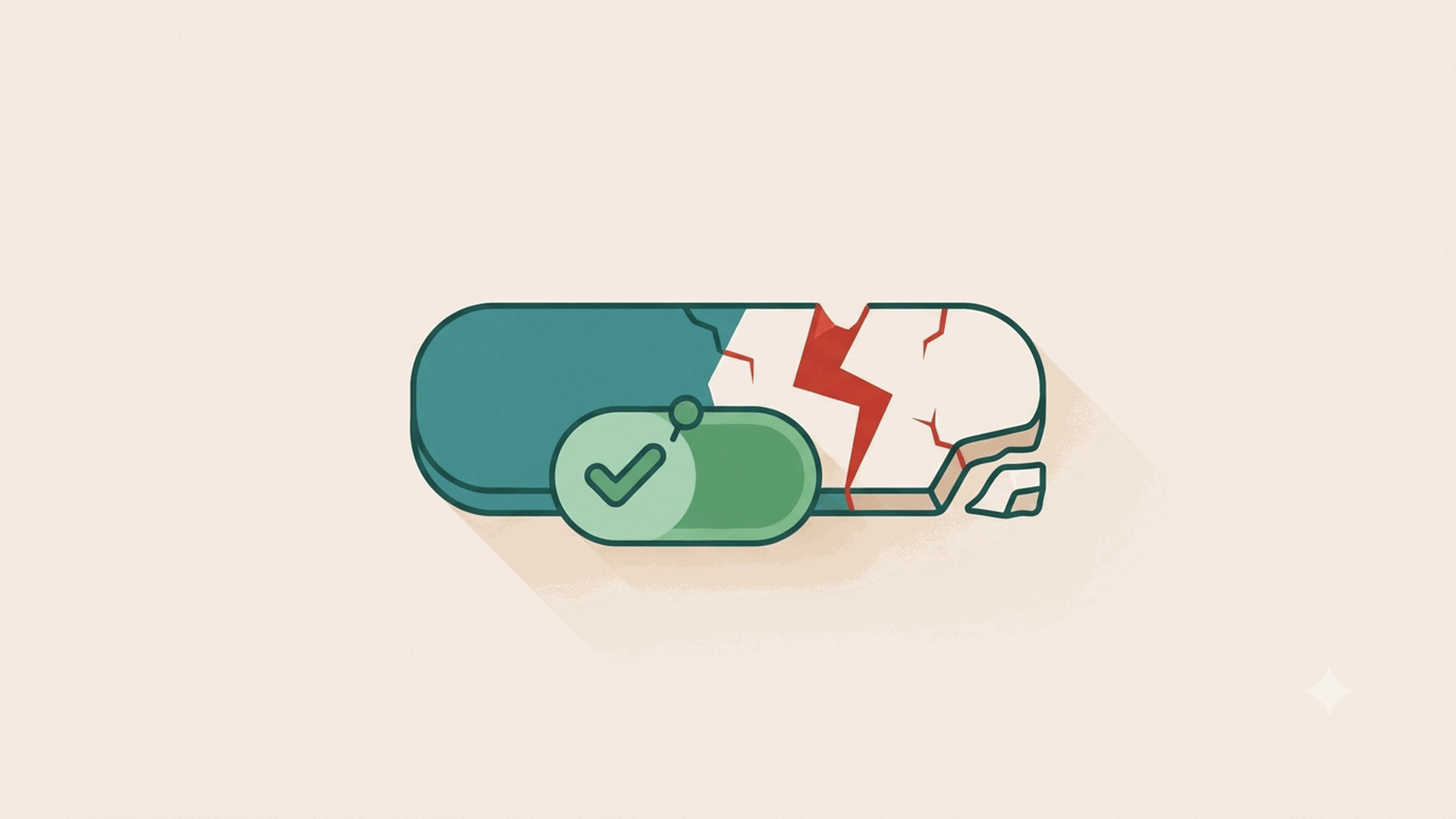
A rounded status bar: the left half is a calm teal on-track block with a small green tick badge pinned to it, while the right half has cracked apart along a jagged red fault line, the confident label oblivious to the break.

Why Your Tool Can't Warn You Early

On Friday the board was green. Every card on track, the client update sent, everyone offline for the weekend. By Tuesday the project was on fire, and when you scrolled back through the tool, nothing had changed between the two. It just sat there green while the work quietly came apart. The easy explanation is that someone forgot to move a card. But this happens to careful teams too, and it keeps happening, which means the problem is not discipline. It is what a status actually is. In most tools the thing that tells you a task is at risk is a field a person types, and a typed status has a fatal property: the only thing that changes it is a human noticing. The update and the noticing are the same event.

July 24, 2026 · 3 min · SRP Team
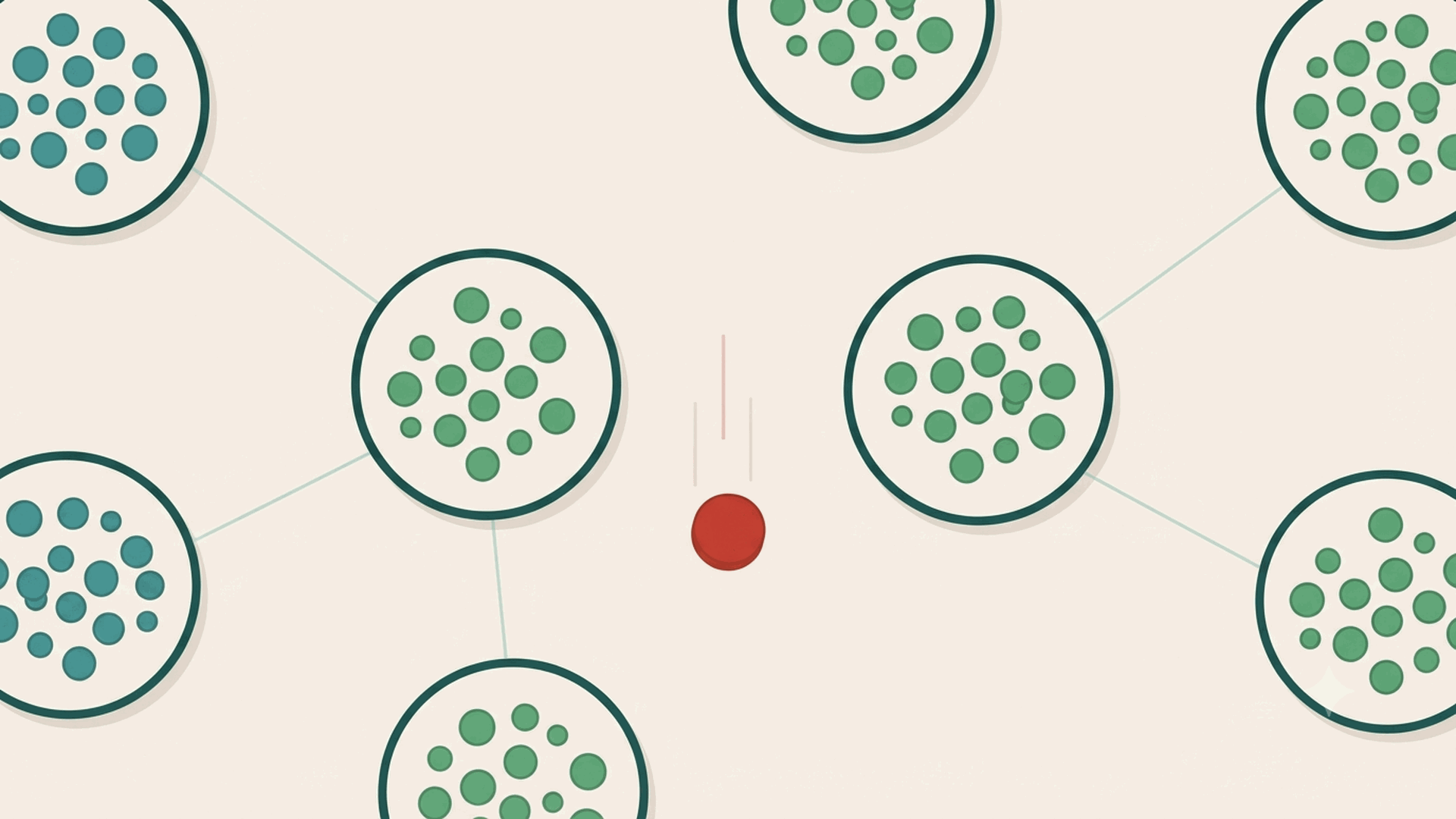
SRP cover: several separate teams shown as circles of dots connected by thin lines, with a red token slipping through the gap between two of them, unwatched.

What Worked on One Team Breaks Across Five

On one team, good ceremony works. The daily standup surfaces what is stuck, refinement keeps the next work ready, the retro fixes what went wrong last time. Run those well and nothing gets left behind, because the team is small enough that the rituals touch every piece of work. Anyone who calls agile ceremony theatre has not seen it done well on a team that needed it.

Then you get handed a second team. And a third. And the thing that quietly breaks is not the ceremony. It is the assumption that it scales.

July 22, 2026 · 4 min · SRP Team
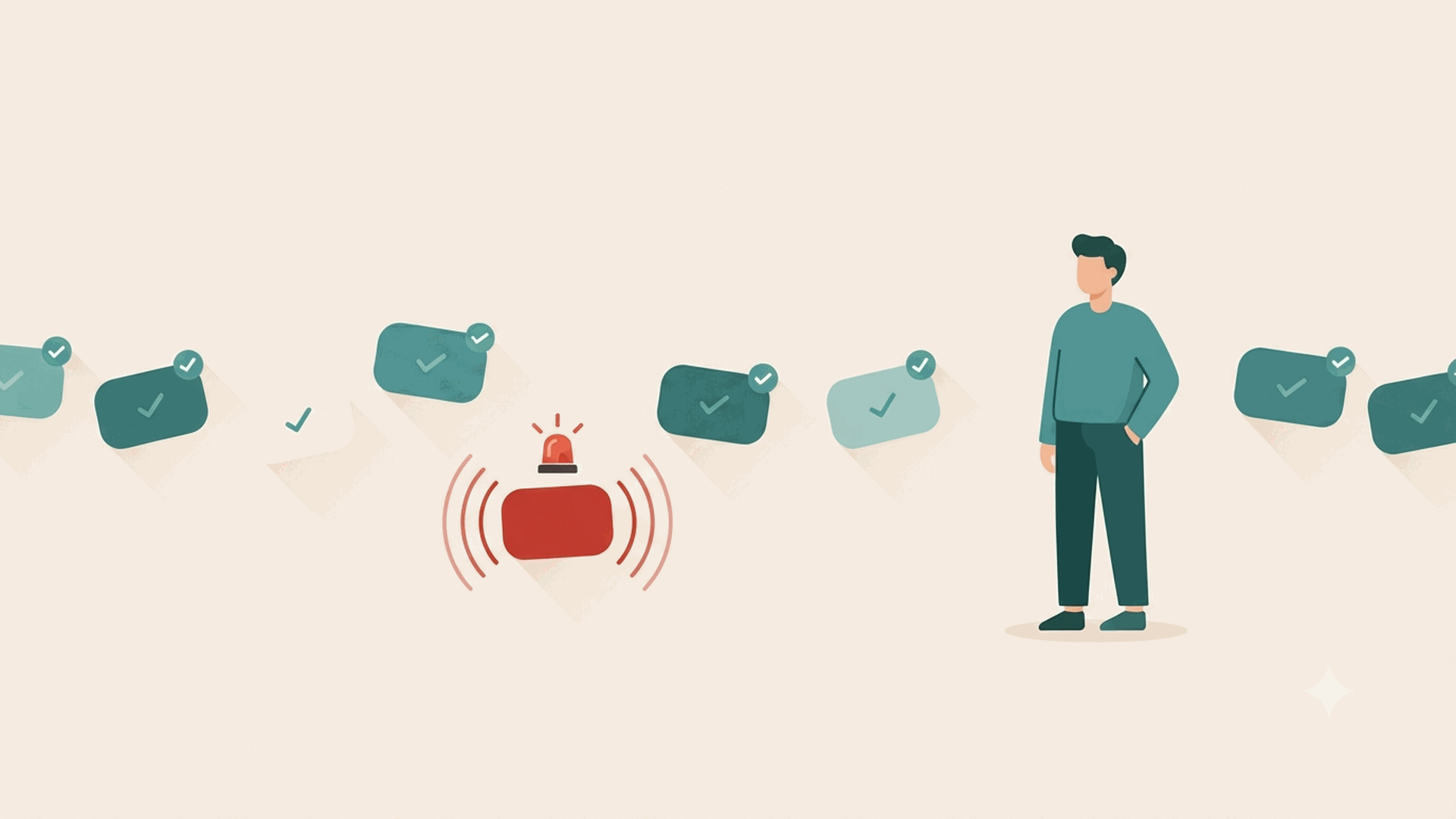
Task cards flow past with green checks, all on track; one has set off a red alarm on its own while a person stands nearby, relaxed and not watching.

Keep the Governance, Kill the Status Report

Every plan to stop projects from slipping arrives as one of two promises, and both let you down. The first is a better tool: buy something powerful enough and the slips stop. They don’t, they just get more places to hide. The second is discipline: train the team, run the governance, keep the register current, and reliability follows. That one is closer to right, and it is where most serious teams land. But it hides a catch that only shows up on a busy Tuesday, because there are two very different things wearing the word governance, and only one of them was ever going to hold.

July 20, 2026 · 4 min · SRP Team
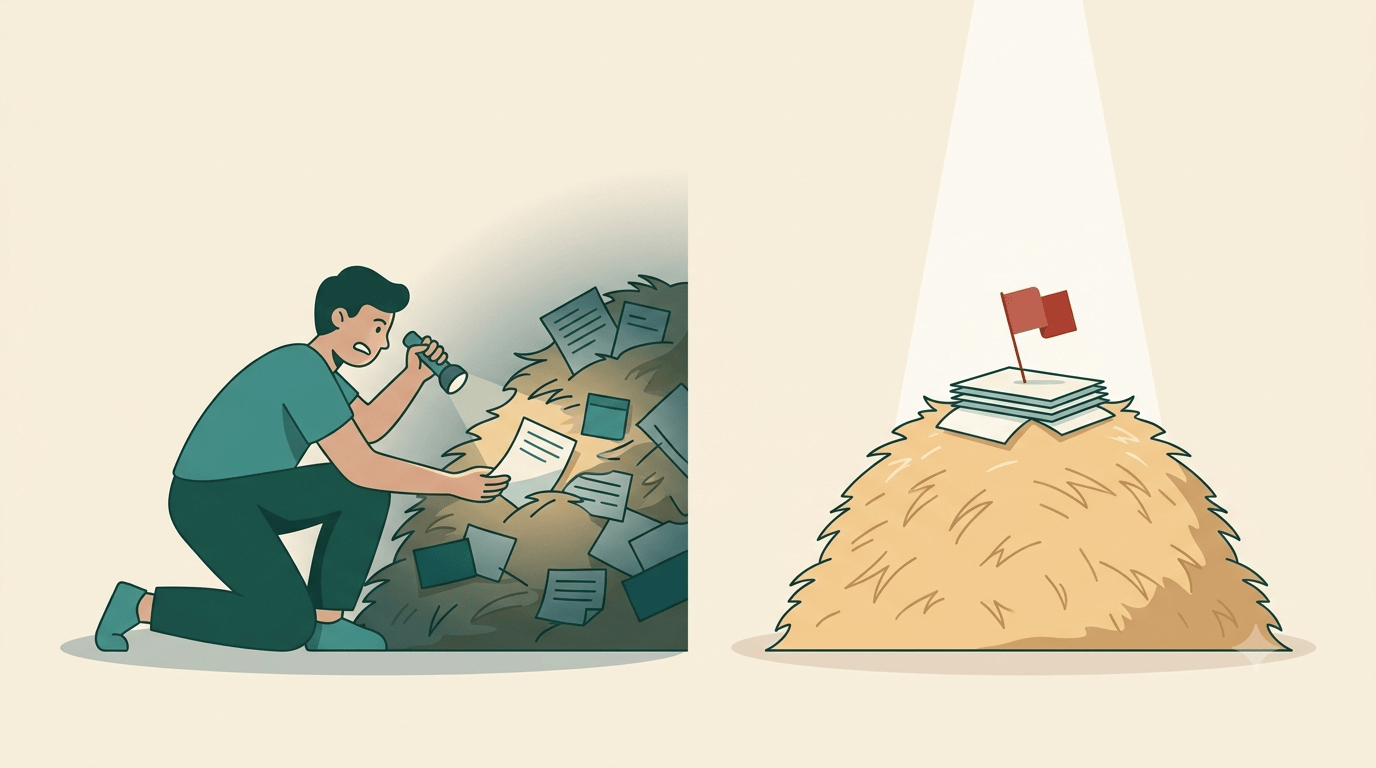
A split illustration: on the left, in shadow, a person digs through a haystack of scattered papers with a flashlight, hunting; on the right, a spotlight shines down on a neat stack of pages topped with a red flag, already surfaced

Pull vs Push: The Two Kinds of Project Tool

Here’s a lens that, once you have it, you can’t put down. Every project tool ever made falls into one of two camps. Not by price, not by how many views it has, not by which team it’s aimed at, but by one thing: what happens when you want to know what’s falling behind.

In the first camp, the answer exists somewhere inside the tool, and it’s your job to go get it. In the second, the tool works the answer out and hands it to you. Call them pull and push. Sort any tool you’ve used into those two buckets and something uncomfortable becomes obvious: almost the entire category is pull, and the push side is nearly empty.

July 15, 2026 · 6 min · SRP Team
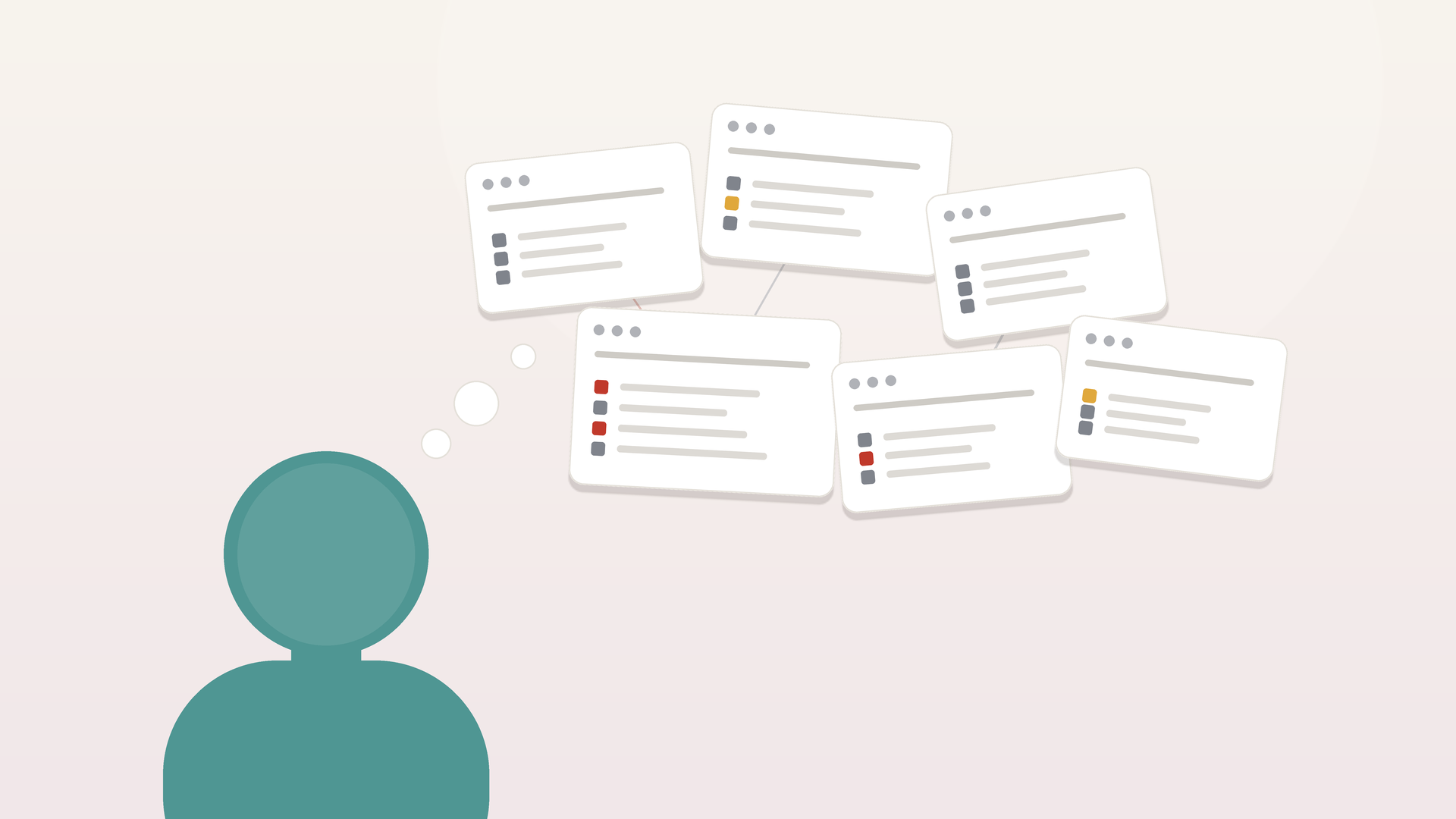
A single person with a thought bubble rising into a scattered cluster of project boards, several flagged with red and amber at-risk markers

When You're the System: The Living-Memory Problem

Ask a good project lead how they catch work before it slips, and the honest answer is often three words: I just know.

They know the client that goes quiet before it cancels. They know which task has been “nearly done” for a suspiciously long time. They know that when a particular developer stops commenting on a ticket, it usually means he’s stuck and hasn’t said so yet. None of this is written down. It lives in one person’s head, refreshed every morning by scanning boards and reading between the lines. It works. That’s the trap.

July 9, 2026 · 5 min · SRP Team