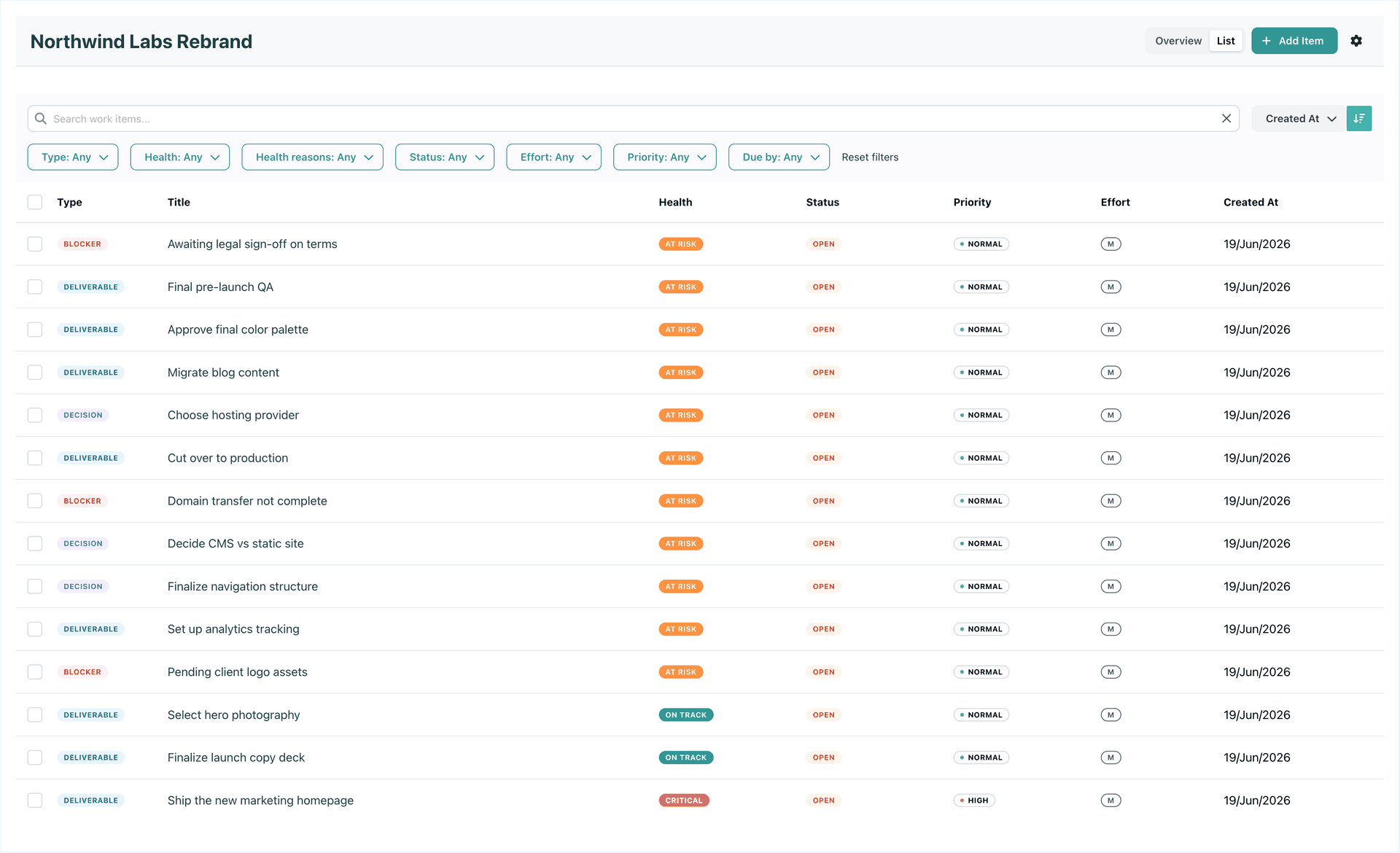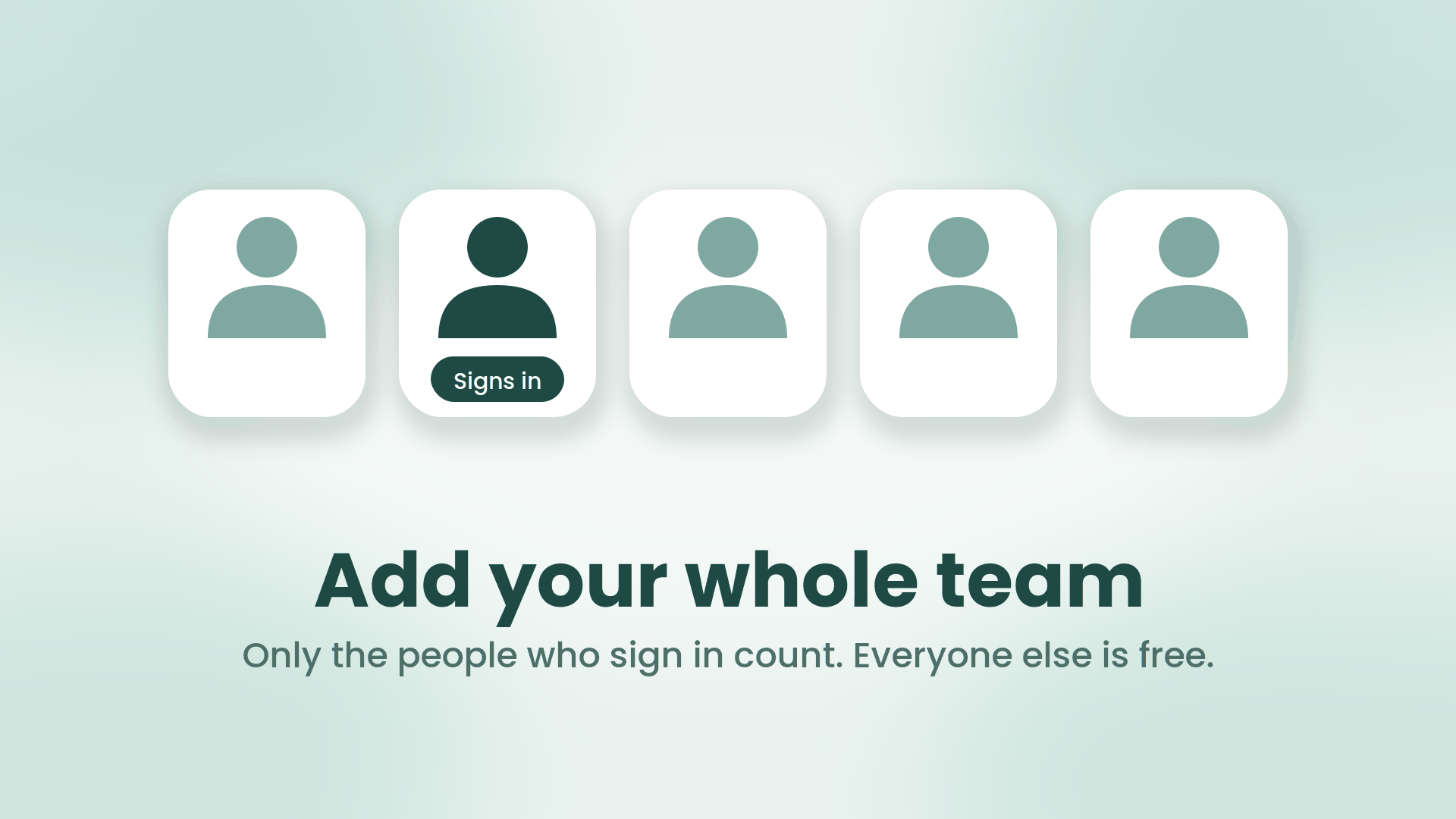
Five white tiles on a soft mint background, each with a simple person icon. One person is dark teal with a Signs in label under it; the other four are lighter and unlabeled.

Add your whole team. Invite only the people who need to sign in

When you add a person to SRP now, you make one choice: does this person sign in, or not? Both are real members of your team. Both can own work, carry a capacity, and be on leave. The only difference is that one of them opens SRP and the other never does. Members without sign-in, which the app calls managed members, are free, on every plan, in unlimited numbers, and they never receive an email from us.

September 12, 2026 · 6 min · SRP Team
Three flat teal robots facing a rounded panel of work rows, one row carrying a small red marker

The Agentic Era Arrives in SRP

Monday, 8:55am. You type one line into Claude:

Where are we, and what needs me today?

A few seconds later you have it. Two initiatives at risk and the reason for each. Three tasks of yours due this week. Ana is off Thursday, which is why the design review has no room in it. You reply, in the same window: move the review to Wednesday, add a blocker to the billing rewrite for the legal sign-off, and add a task to the website project to redo the pricing copy. Done, all of it, in your workspace, with your name on it.

No board. No tabs. No status meeting. That is live today: SRP now runs an MCP server, and any assistant that speaks MCP can plug straight into your work.

September 9, 2026 · 5 min · SRP Team
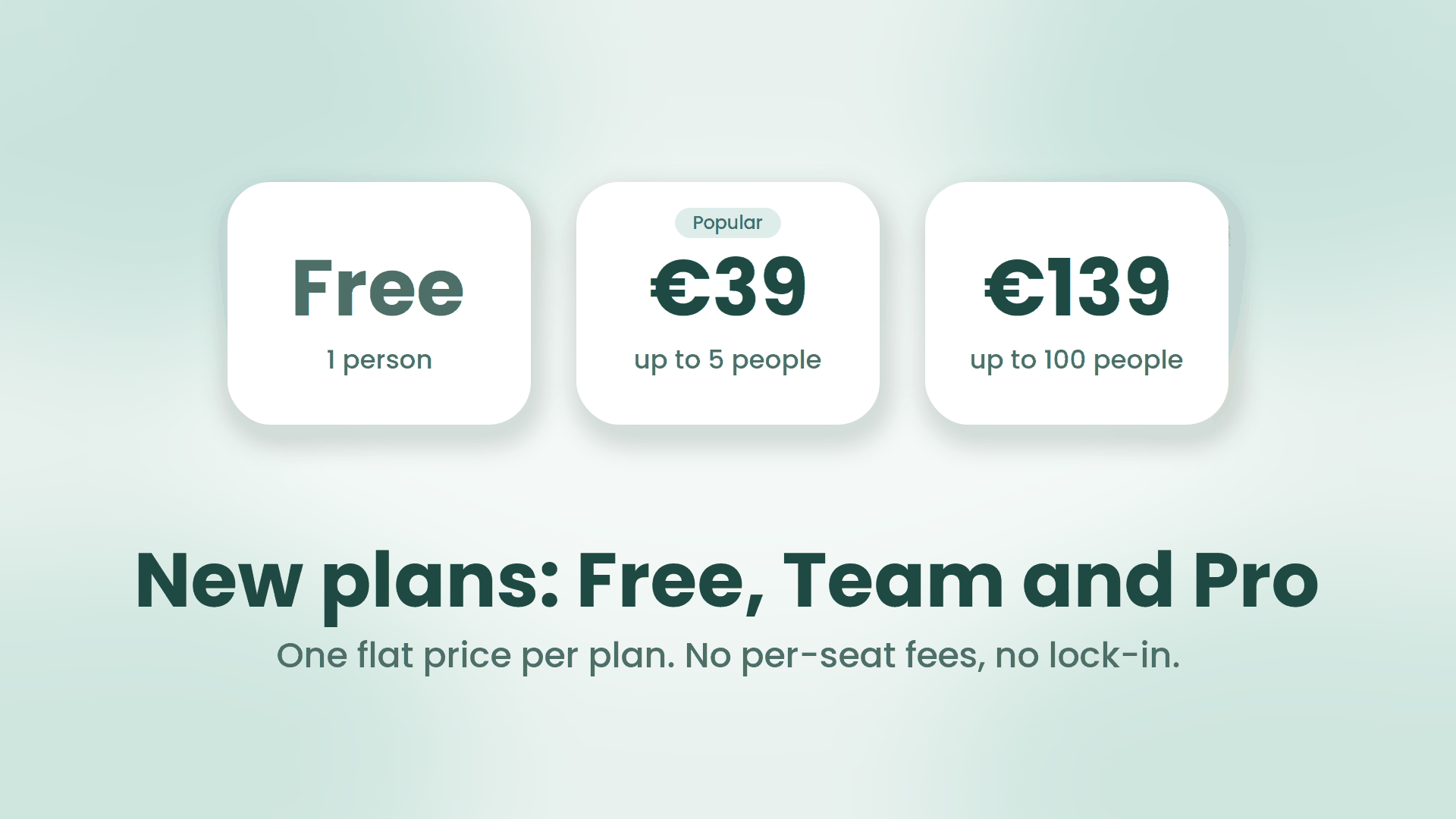
Three white plan tiles on a soft mint background reading Free for 1 person, 39 euros for up to 5 people, and 139 euros for up to 100 people, above the headline New plans: Free, Team and Pro

SRP now has a Free plan, and we stopped counting seats

Two changes went live on the pricing page this week. SRP now has a Free plan that never expires. And there is no per-seat plan on the page anymore, on purpose. Here is what changed and the reasoning behind it, because pricing is a product decision and you deserve to see the working.

September 2, 2026 · 5 min · SRP Team
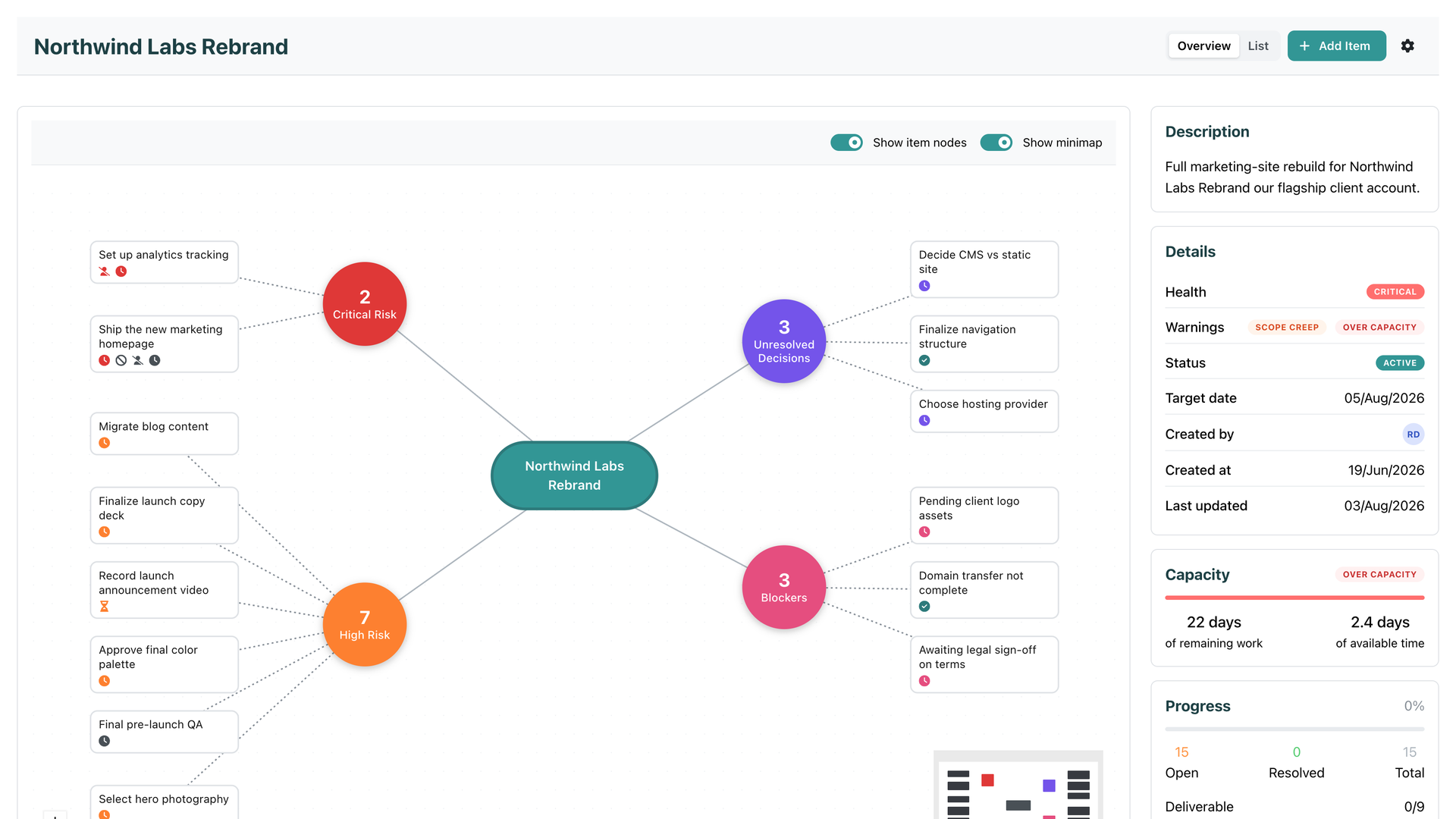
An SRP initiative overview with its risk cluster mapped out, Critical health, an Over capacity warning, and the Capacity panel showing 22 days of remaining work against 2.4 days of available time

Introducing Team Capacity

Every tool you have ever planned in knows two things about your work: when it is due, and roughly how big it is. And every one of them keeps those two facts in separate drawers. The due date sits on the item. The size sits next to it. Nobody does the one thing that would actually answer the question you care about: can this be finished by its target date, by the people who are actually doing it, with the time they actually have?

That is the question Team Capacity answers. Continuously, and without asking anyone to do anything new.

August 3, 2026 · 5 min · SRP Team
SRP and GitHub logos joined by a sync badge, with the headline "SRP now connects to GitHub"

SRP Now Connects to GitHub

Last month we connected SRP to GitLab so you could link engineering work to your plan and let it drive health automatically. The most common reply was some version of “great, now do GitHub.” So we did.

July 7, 2026 · 1 min · SRP Team
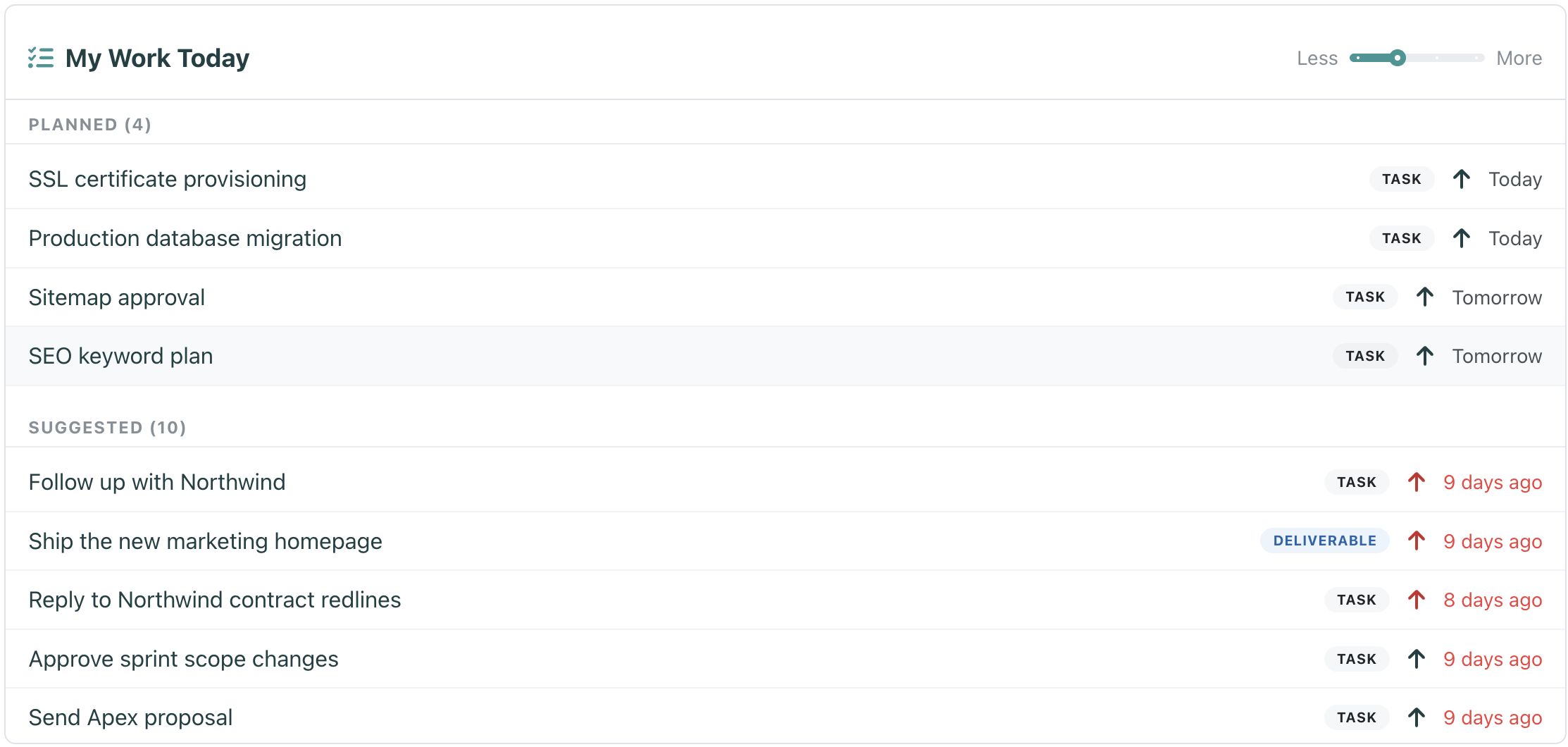
The My Work Today widget on the SRP dashboard, with Planned and Suggested sections and a Less-to-More density slider

Plan your day with My Work Today

Every morning starts with the same small ritual. You open your work, look at everything you could possibly do, and try to decide what you will actually do. For most tools that means scanning a few boards, eyeballing due dates, and holding the plan in your head until lunch undoes it.

We wanted that ritual to take ten seconds, not ten minutes. So we built My Work Today, a new widget that lives right on your dashboard.

June 20, 2026 · 2 min · SRP Team
SRP and GitLab logos joined by a sync badge, with the headline "SRP now connects to GitLab"

SRP Now Connects to GitLab

Every PM knows the quiet tax of running work across two tools. The engineers live in GitLab. The plan lives somewhere else. And keeping the two in sync means chasing people to update a board they will never love, or doing it yourself. Nobody does it reliably, so the plan is always a little bit wrong.

Our first integration is here to end that. SRP now connects to GitLab.

June 9, 2026 · 2 min · SRP Team
An initiative's work items in SRP, with deliverables, decisions, and blockers in one list

Introducing Work Initiatives

Tasks are great at answering “what am I doing?” They are terrible at answering “what are we actually trying to achieve?” That second question is the one stakeholders ask, the one that decides whether a quarter went well, and the one no task board has ever answered cleanly.

So we built the layer that does. Say hello to Initiatives.

June 3, 2026 · 4 min · SRP Team